42
TO REGISTER (ERASE) ROUTE
[Route]
Line connected between intermediate points is called “Route” and it is indicated by points
and lines.
[Number of registered route]
You can enter maximum 20 intermediate points (course change points) for one route and
can store up to 20 routes. Registered routes are always shown on the wake mode unless
they are erased.
After you select route number on the menu, you input intermediate points (route change
points) in turn while moving the cursor.
To register (erase) route
Select [4. ROUTE][4.ENTER ROUTE] on the
menu.
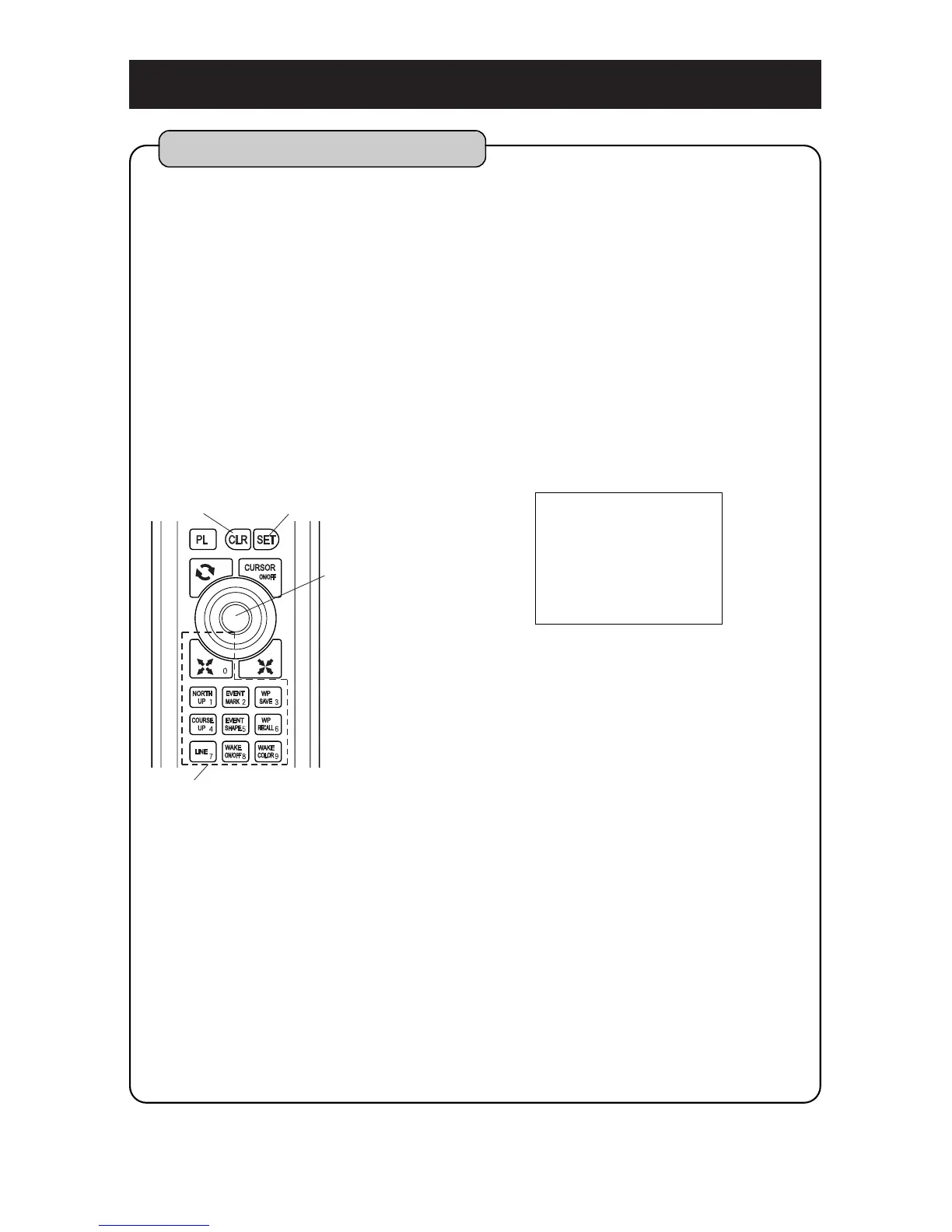
Enter Route number with [NUMBER] key and
press [SET] key.
A route number in red color can not be used
because it has already been registered. Use
other number (white) or erase the route you
don’t need.
Stack cursor on intermediate point (course change
point) with [CENTER] key and press [SET] key.
Designate next intermediate points repeatedly.
“” mark is indicated on each intermediate point
and they are connected in line.
Route registration is completed by pressing [CLR]
key.
[To erase route]
Select [4.ROUTE][3.ERASE ROUTE] on the
menu. (page 53)
Please refer to [HOW TO OPERATE MENU] ( page12 ) for operation of menu.
1
2
3
4



 To Next Page