ALARM MONITOR
12–3
12.4 CONFIGURING THE CLIENT PC
All configuration takes place in the Alarm Monitor Window on the Client PC for
descriptions and locations of the buttons and features of the Alarm Monitor window Refer
to the Alarm Monitor Window section later in this chapter.
1
Open the Alarm Monitor window on the Client PC.
Start >Programs > Fusion > Alarm Monitor > Alarm Monitor
2
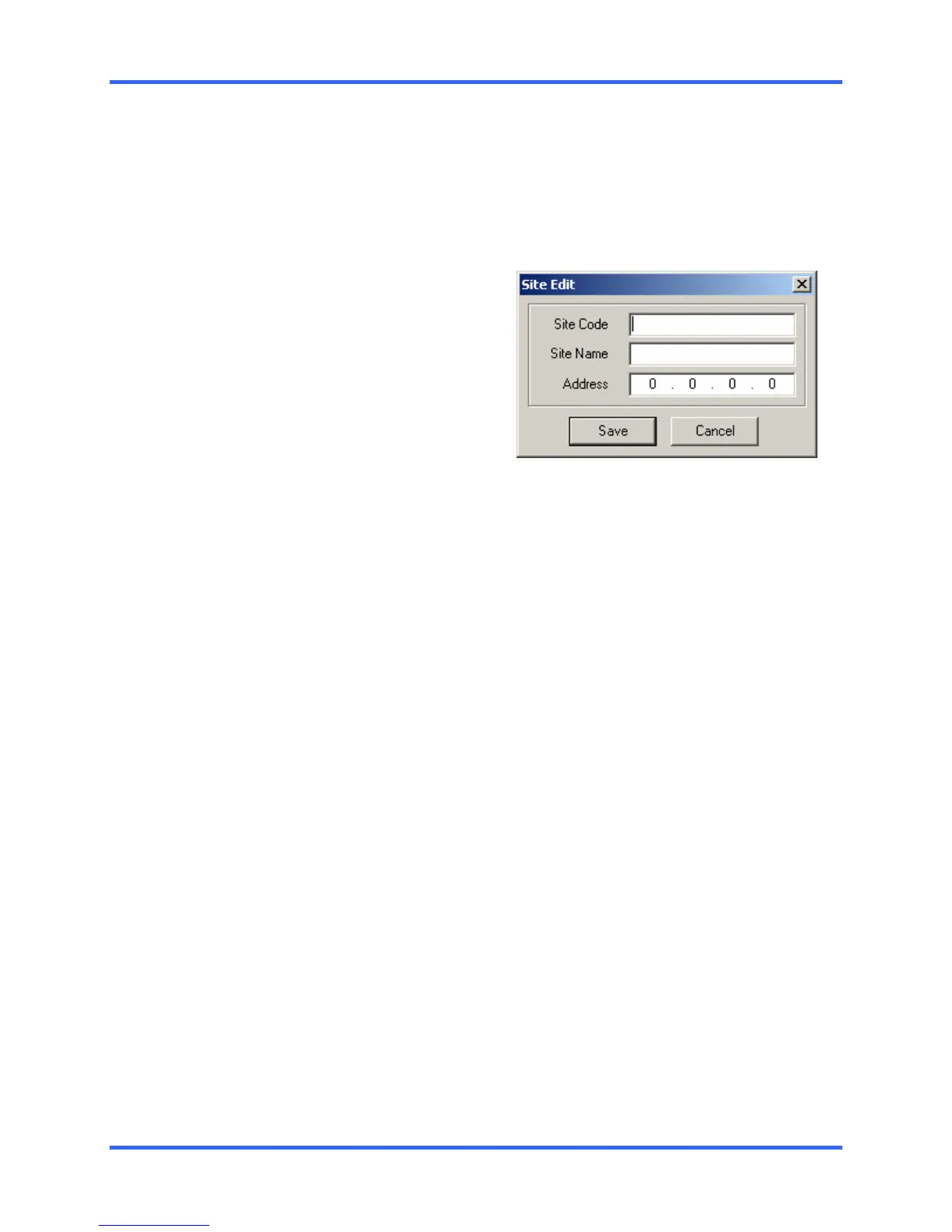
Click New in the DVR List and enter
the site code, site name, and IP
Address of the DVR you wish to
connect to in the Site Edit window that
opens. Click Save
Note: The site code can be found
under the information tab in the setup
menu.
3
Click the Tools menu and select
Setup.
4
Confirm that the Listen Port in the
Configuration Window is set to the
same number as the Emergency Port
in Communication Settings on the
DVR. If the numbers are different
adjust the Listen Port on the client PC
to match the DVR.
5
Click Enter
6
Reboot the Clint PC



 To Next Page
 Loading...