SEARCH OPTIONS
6–5
6.5 AFTER IMAGE REMOVAL
The DVR unit is capable of recording video using one of three different resolutions.
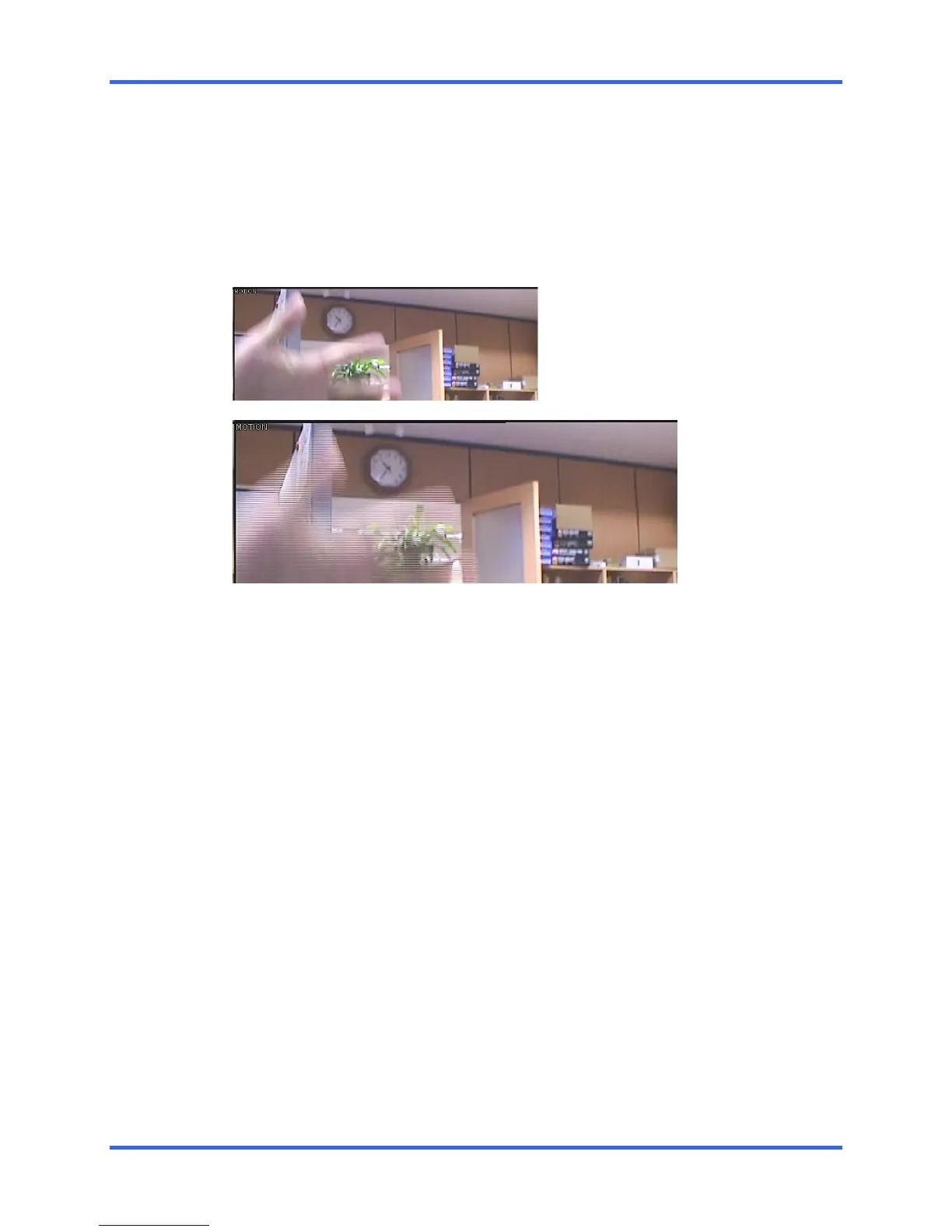
When using the 720 x 480 resolution, two fields are mixed. Because of the timing gap
between the two fields, according to the standardized image rules, after image might
occur to high speed moving images. The Fusion DVR unit allows you to remove this by
pressing the After Image Removal button.
The images below demonstrate the filtered screen.



 To Next Page
 Loading...