Performance Series IP Camera Software Configuration Guide
22
5 Configuring Camera Settings
This chapter contains the following sections:
• Configuring Camera Conditions, page 22
• Configuring Video Settings, page 29
• Configuring Audio Settings, page 33
Configuring Camera Conditions
Go to Setup Camera Setup Conditions.
This section describes how to configure camera properties (picture, exposure, lighting
compensation, white balance, day and night, IR light, etc.).
Conditions
Go to Setup Camera Setup Conditions.
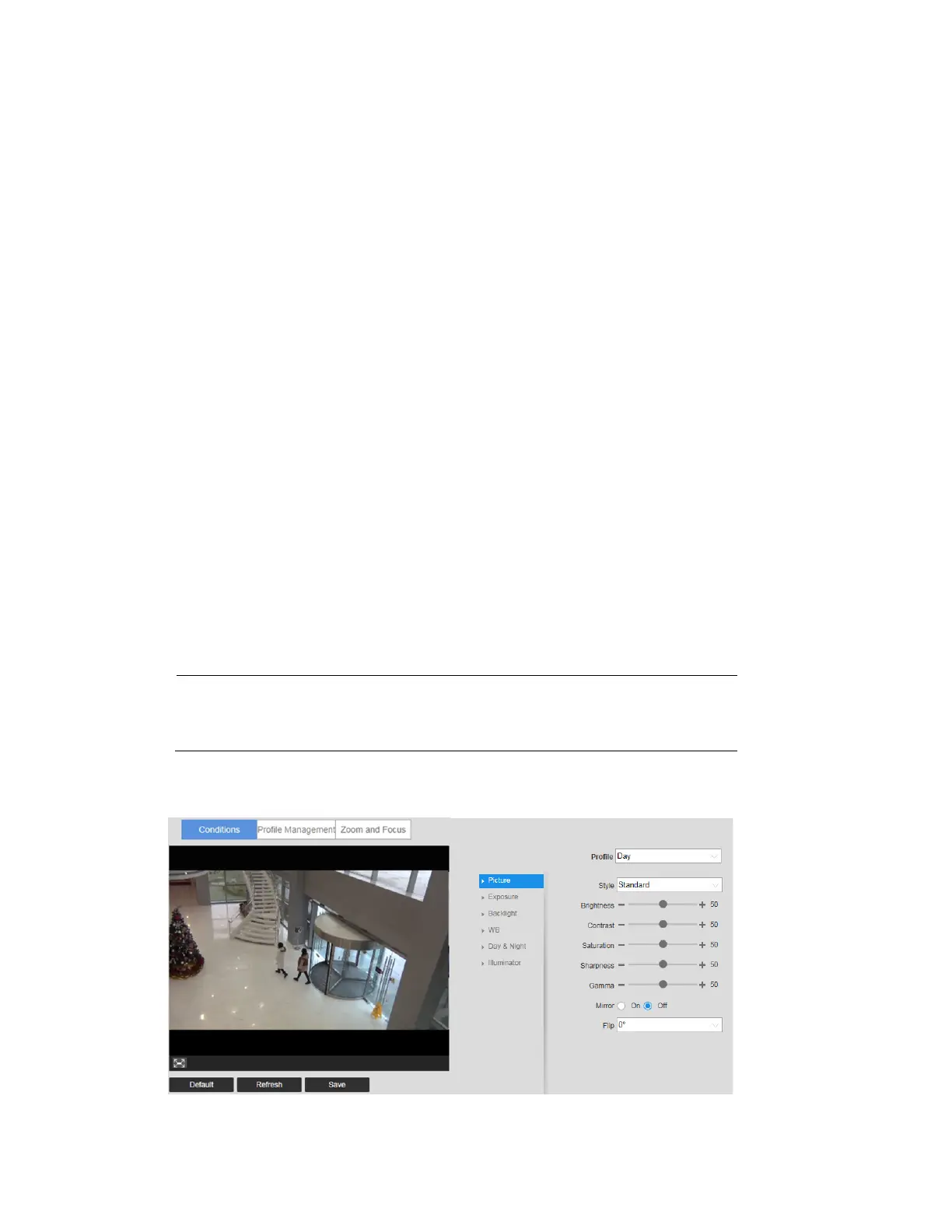
On the Conditions tab, you can view camera property information. The configurations
become valid immediately after they are saved.
Note
The settings that are available on the Conditions tab may differ
depending on the selections made in the Profile Management
setup (see Profile Management on page 26 for more information).
Figure 5-1 Camera Conditions



 To Next Page
 Loading...





