Performance Series IP Camera Software Configuration Guide
66
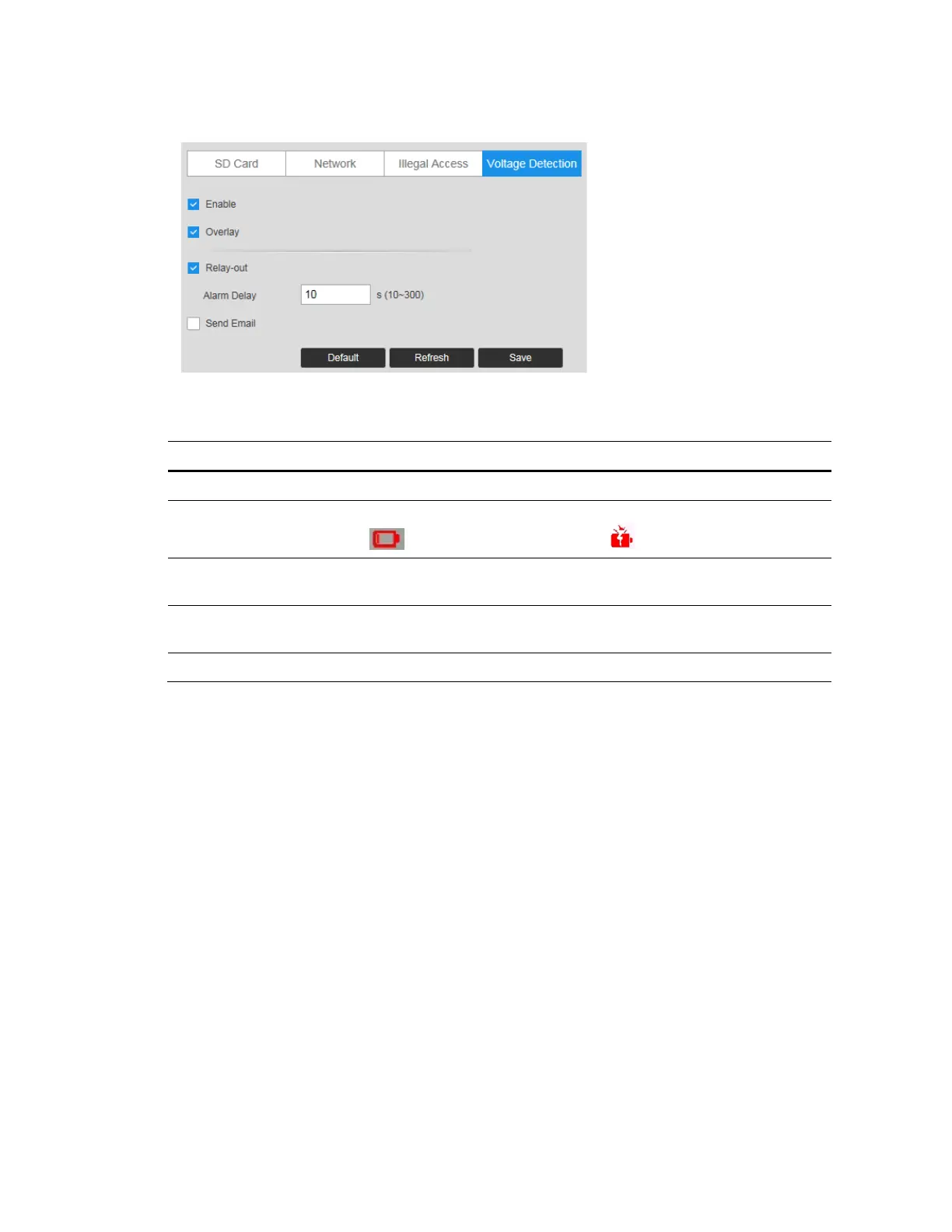
Figure 7-15 Voltage Detection
Table 7-10 Voltage Detection Configurations
Parameter Function
Enable Check to enable the Voltage Detection function.
Overlay
Check it, and the alarm icon is displayed by overlapping when the alarm is
triggered. indicates undervoltage and indicates overvoltage.
Relay-out
Select the Relay-out check box, and when alarm is triggered, the system
interacts with the linked alarm devices.
Alarm Delay
The Alarm linkage keeps running for the configured time after alarm is
ended.
Send Email Check to send an email to a specified receiver.



 To Next Page
 Loading...





