Configuring Camera Settings
33
To delete a single region of interest, select it, and then click Delete. To delete all regions of
interest, click Remove All.
Path
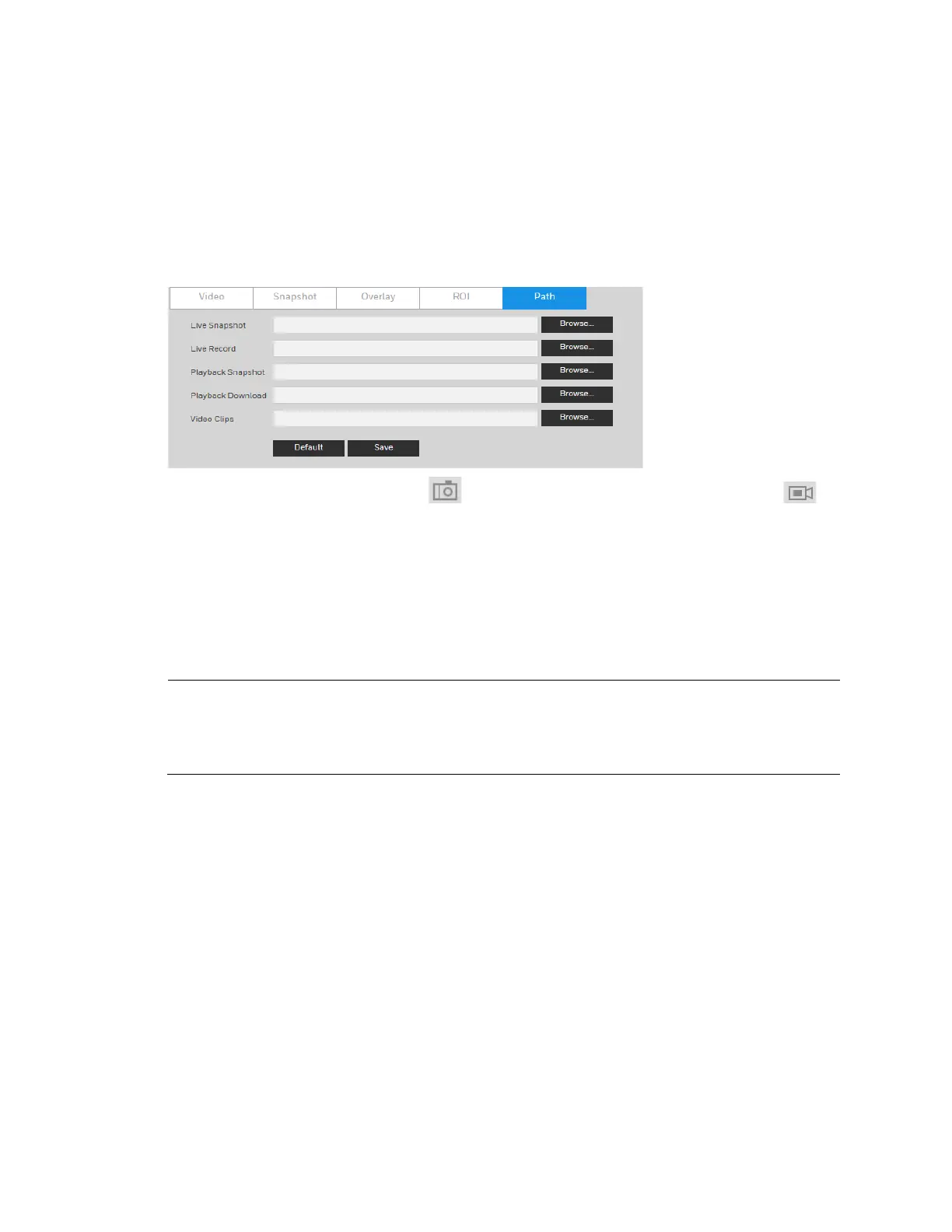
Go to Setup Camera Setup Video Path.
Figure 5-8 Storage Path
Set the storage path for snapshots ( in the live interface) and for recorded video ( in
the live interface). Click Browse to select a storage path for snapshots and recorded videos.
Click Save to save any changes to the storage paths.
Configuring Audio Settings
Note
This function is supported by
H4W2PER2V/HBW2PER2V/HEW2PER3V/H4W4PER3V/H4W4PER2V/HEW4PE
R2V/HEW4PER3V/HBW4PER2V/H4W8PER1V/H4W8PER2V/HEW8PER2V/HB
W8PER2V/HBW8PER1V.
Go to Setup Camera Setup Audio.



 To Next Page
 Loading...





