Configuring System Settings
77
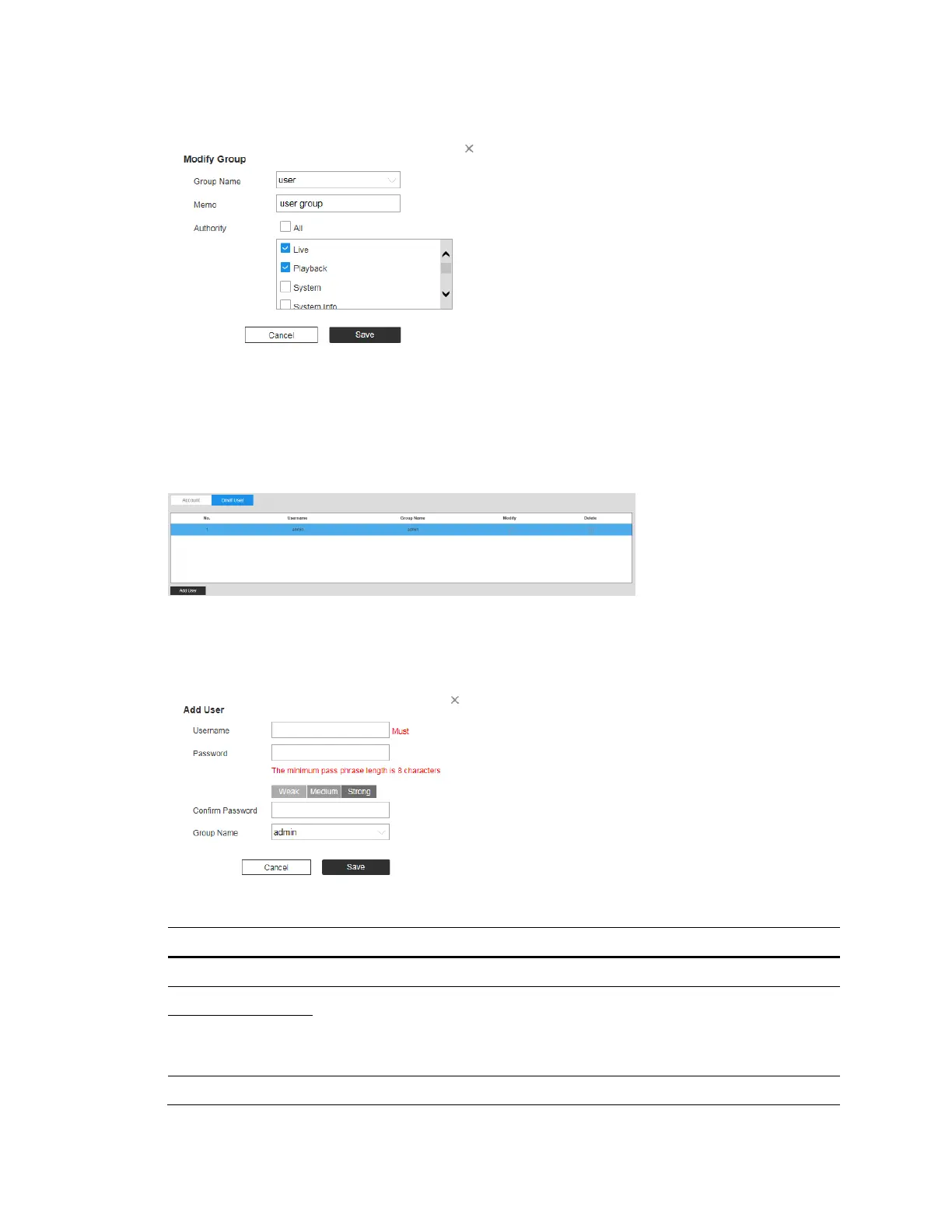
Figure 9-8 Modify Group
Onvif User
Go to Setup System Setup Account Onvif User.
Figure 9-9 Onvif User
You can add, delete Onvif user, and modify their passwords.
Figure 9-10 Add User
Parameter Function
Username User’s unique identification. You cannot use existed user name.
Password Enter password and confirm it again.
The password must consist of 8 to 32 non-blank characters and
contain at least two types of characters among upper case, lower case,
number, and special character (excluding ' " ; : &).
Confirm
Password
Group Name The group that users belong to. Each group has different authorities.



 To Next Page
 Loading...





