Configuring Storage Settings
67
8 Configuring Storage Settings
This chapter contains the following sections:
• Configuring Schedule Settings, page 67
• Configuring Destination Settings, page 68
• Configuring Record Control, page 71
Configuring Schedule Settings
Configuring Record Schedule
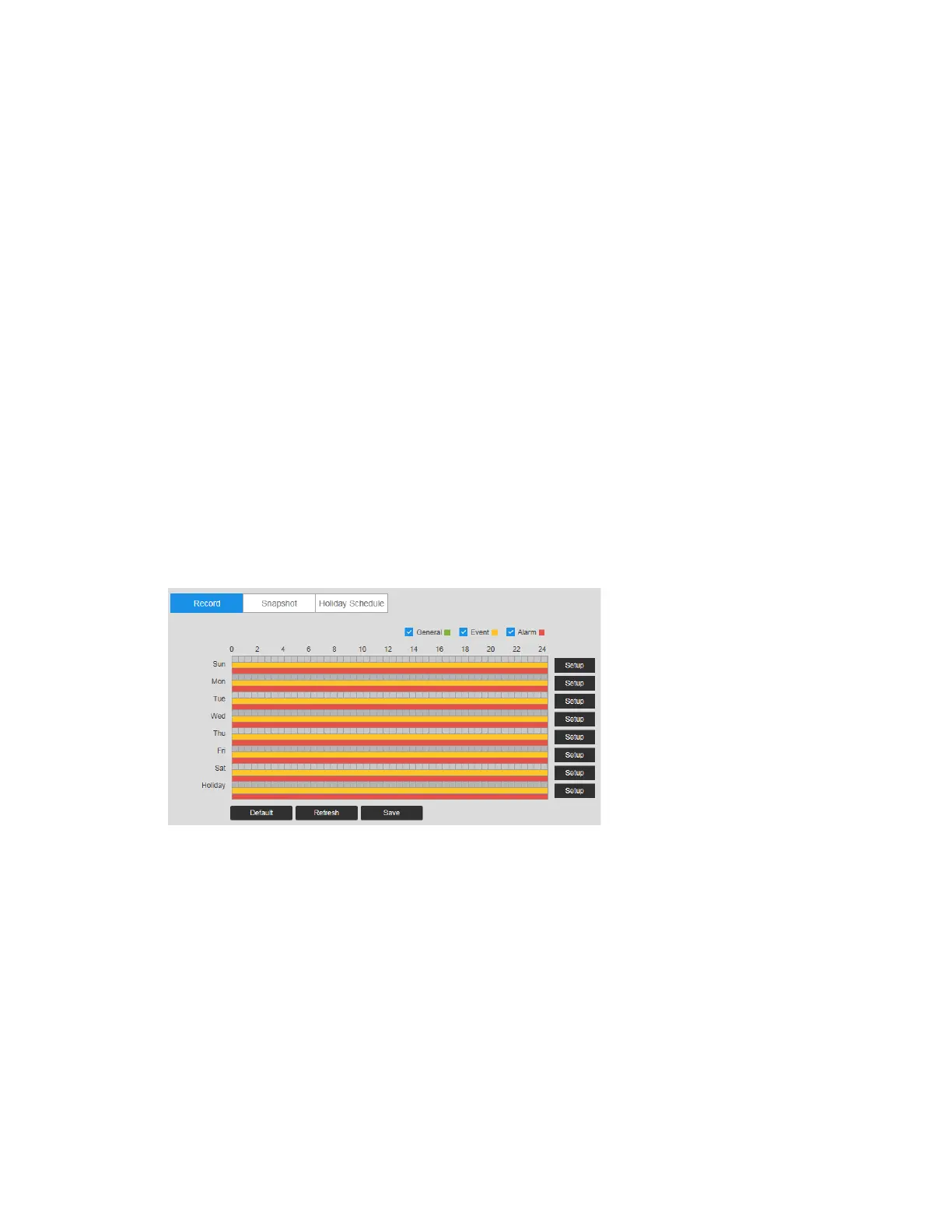
Go to Setup Storage Schedule Record Schedule.
You can add or remove schedules for recording. There are three recording modes: General
(auto), Motion, and Alarm. You can configure up to nine recording periods per day.
Figure 8-1 Record Schedule
Record Schedule Color Codes:
• Green: General recording
• Yellow: Motion detection recording
• Red: Alarm recording
Configuring Snapshot
Follow the same procedure to configure the settings on the Record Schedule tab.



 To Next Page
 Loading...





