Configuring System Settings
79
management.
• Factory Default – Completely recover device parameters to factory default.
A confirmation message appears. Click OK to continue. The camera reboots automatically
and reverts to its factory default settings.
Import/Export
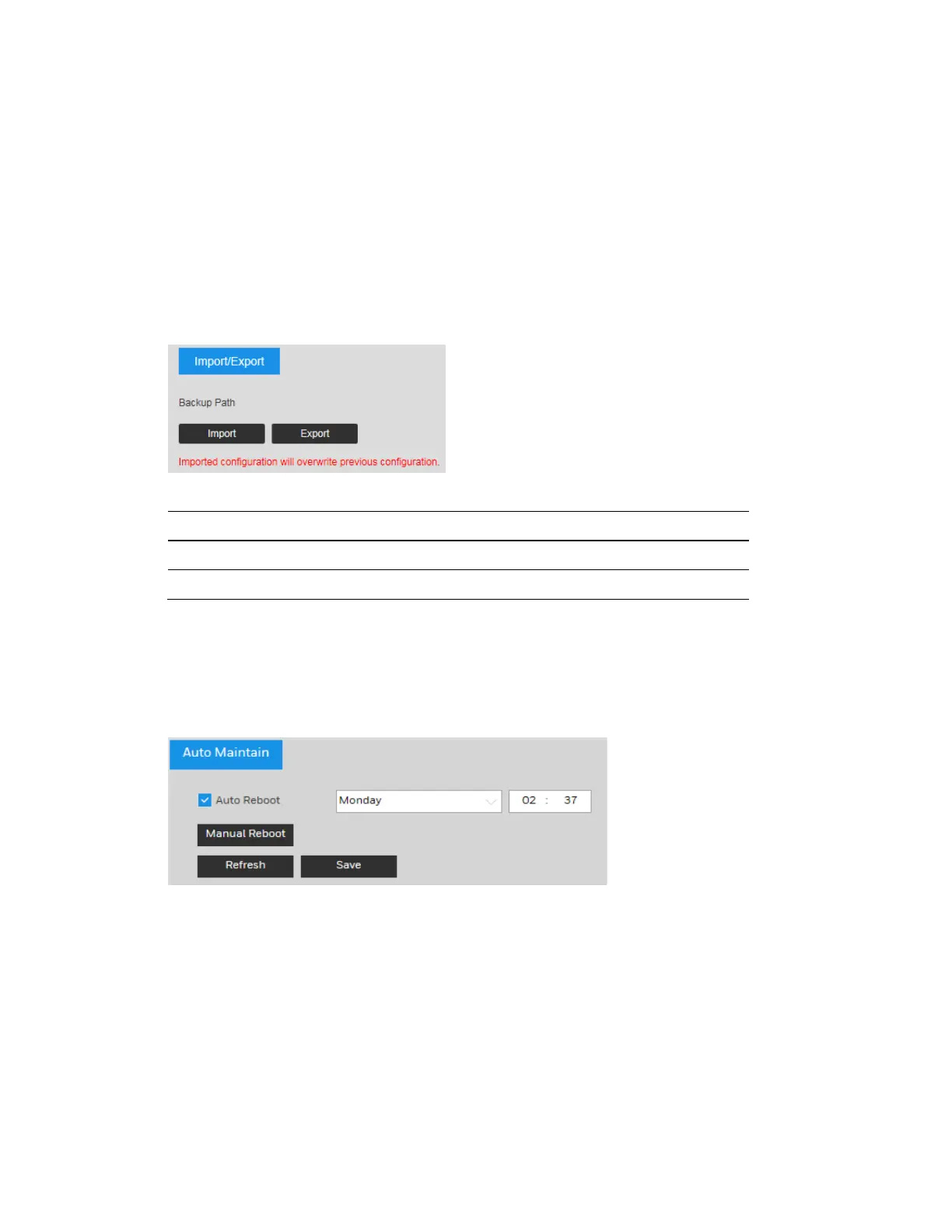
Go to Setup System Setup Import/Export.
Figure 9-13 Import/Export Configuration
Table 9-3 Import/Export Configurations
Parameter Function
Import Click to import local setup files to the system.
Export Click to export the current system setup to your local PC.
Automatic Maintenance
Go to Setup System Setup Auto Maintain.
Figure 9-14 Auto Maintain
Auto Reboot: Click the checkbox to enable Auto Reboot. Select the day (Everyday or Monday
to Sunday) and the time (from 00:00 to 24:00) to reboot the camera automatically.
Manual Reboot: Reboot the camera manually.
Upgrade
To upgrade your system firmware or language package:
Go to Setup System Setup Upgrade.



 To Next Page
 Loading...





