Configuring Network Settings
39
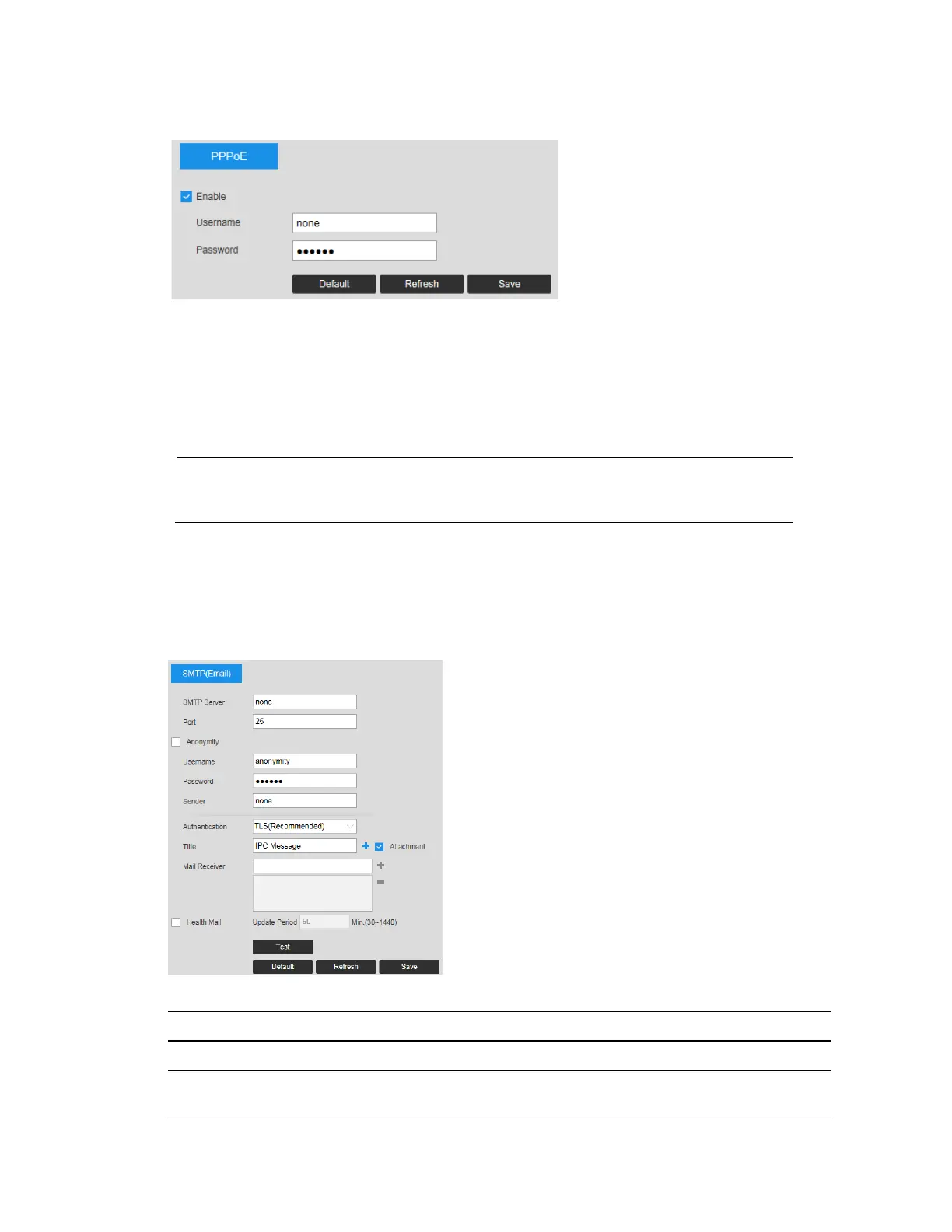
Figure 6-5 PPPoE
1. To enable PPPoE, select the Enable checkbox.
2. Enter the PPPoE user name and password that you received from your Internet service
provider (ISP).
3. Click Save to save the current setup, and then reboot the camera to activate this new
setup. The camera connects to the Internet via PPPoE after rebooting.
Note
When PPPoE is enabled, disable UPnP so that it does not interfere
with PPPoE.
Configuring SMTP (Email) Settings
Go to Setup Network Setup SMTP (Email) page.
Figure 6-6 SMTP
Table 6-3 SMTP (Email) Configurations
Parameter Function
SMTP Server Enter the server address.
Port
The default setting is 25. You can modify this setting as
necessary.



 To Next Page
 Loading...





