www.honeywell.com/security
28 |
MPA1 User Guide
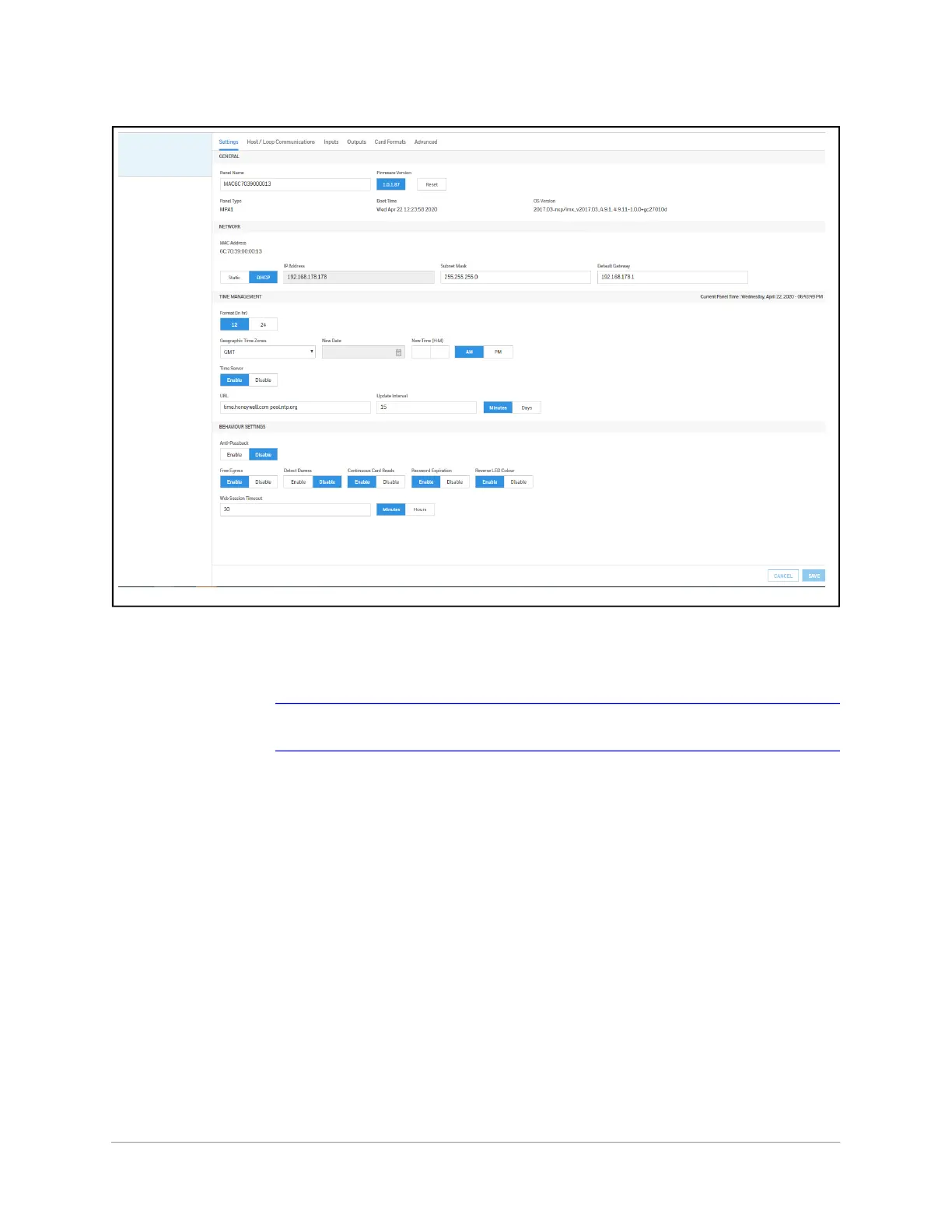
Figure 2-10 Panels Interface
Entering a Panel Name
Note Panels can be configured only if the Host Communications is set to Web.
1. Navigate to the Settings panel:
• Dashboard > Panels > Settings, or
• Menu > Panel Configuration > Settings



 To Next Page