| 27
Document 800-26311_ A - April 2020
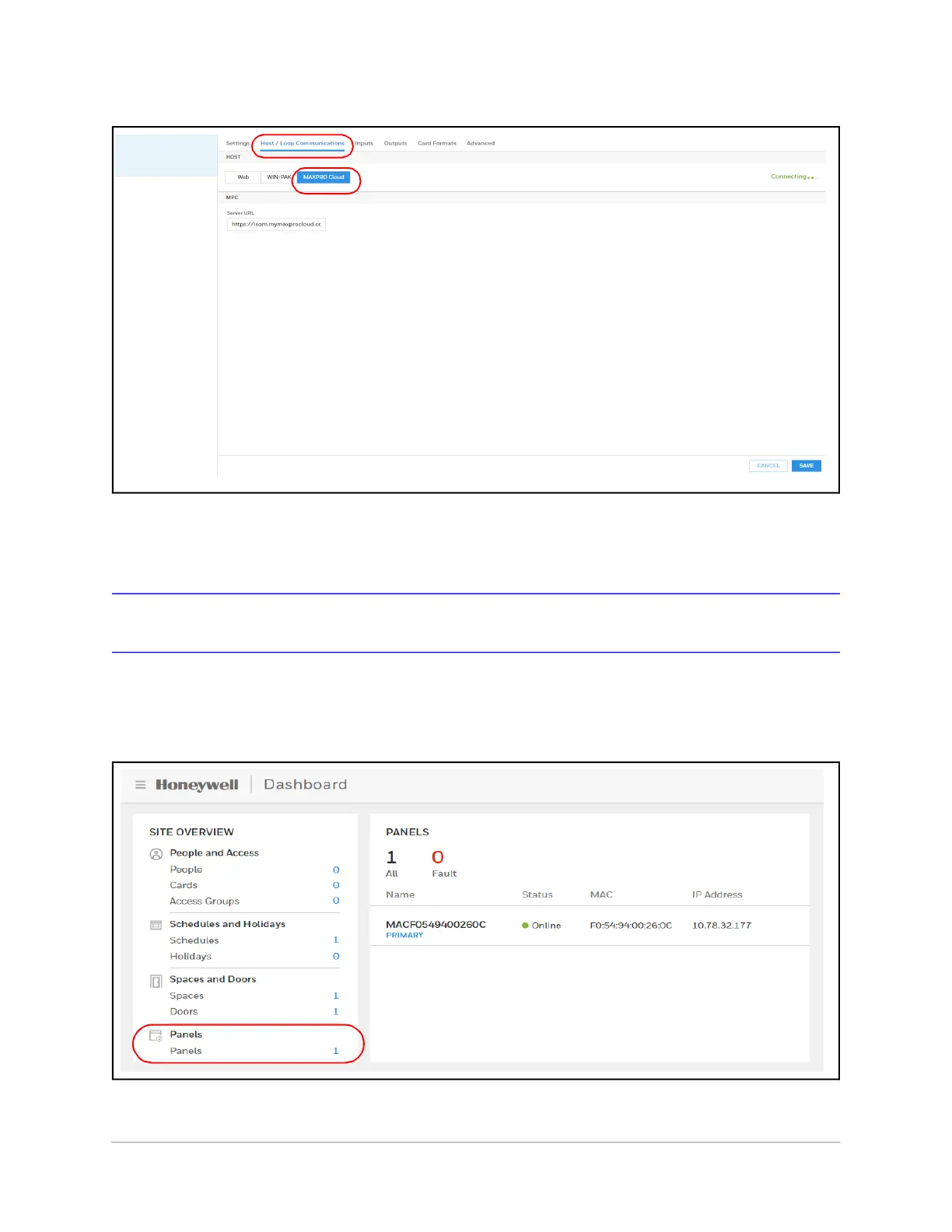
Figure 2-8 Selecting MAXPRO Cloud on the Host/Loop Communications Tab
3. Enter the Server URL.
4. Click Save.
Initial Panel Setup
You can access Panel configuration in two ways:
• Click Panels in the Dashboard to access the Panels interface, or
Figure 2-9 Navigating to the Panels Interface
• Click Panel Configuration in the Menu.



 To Next Page