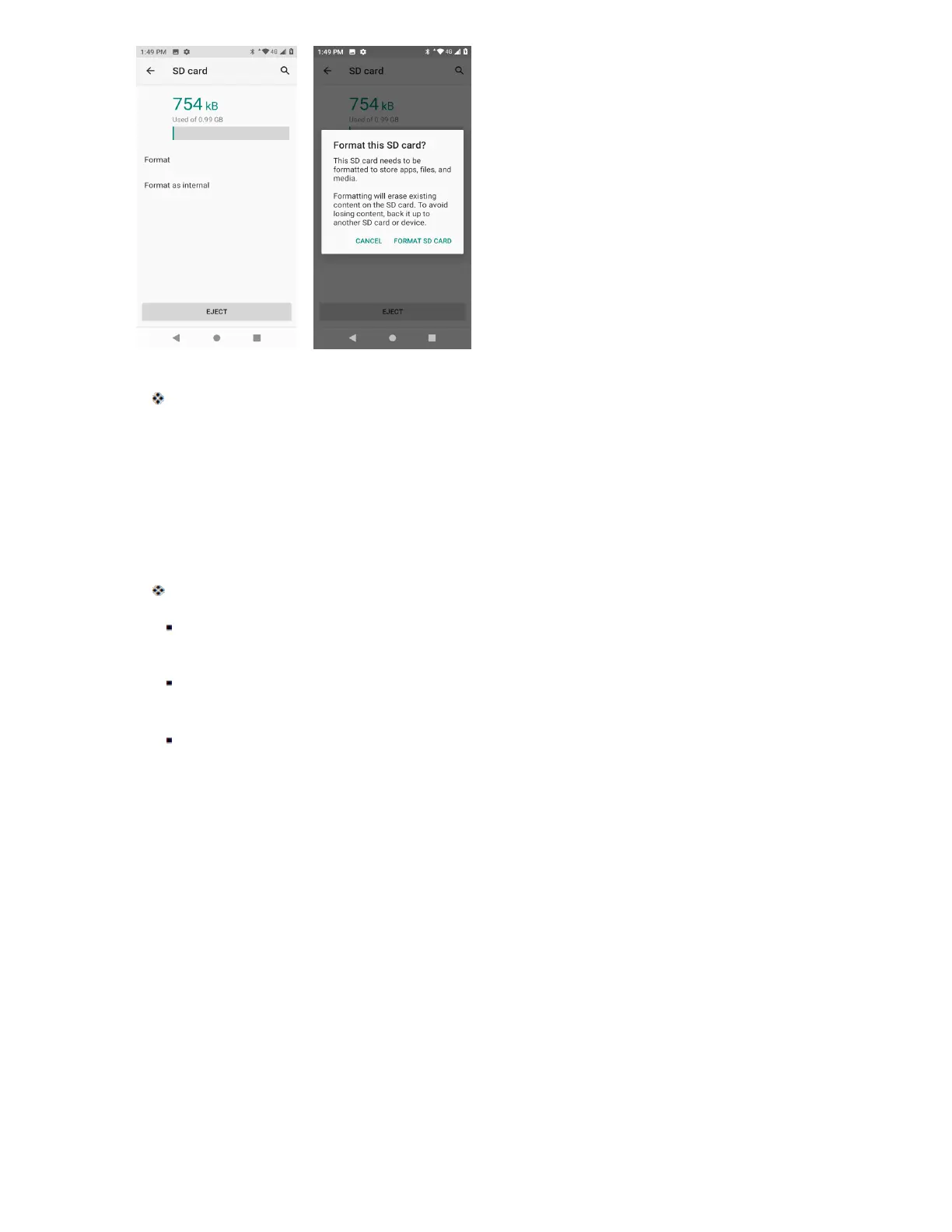
All data on the SD card is erased, and the card is formatted for use on your phone.
Turn Your Phone On and Off
The instructions below explain how to turn your phone on and off.
Turn Your Phone On
■ Press and hold the Power/Lock key.
Your phone will power on. Depending on the settings, you may see the lock screen.
SeeLock and Unlock Your ScreenandScreen Lockfor information about using the screen
lock.
The first time you turn the phone on, you will see the startup screens. SeeComplete the
Setup Screensfor details.
If your phone is not yet activated, seeActivate Your Phonefor more information.
Turn Your Phone Off
1. Press and hold the Power/Lock key to display the device options menu.



 To Next Page