3. Tap items to view details.
Check your application settings condition and access additional options.
Depending on the app and its location, you may be able to force the app closed, uninstall or
disable the app, clear cache and data, and more.
Battery Settings
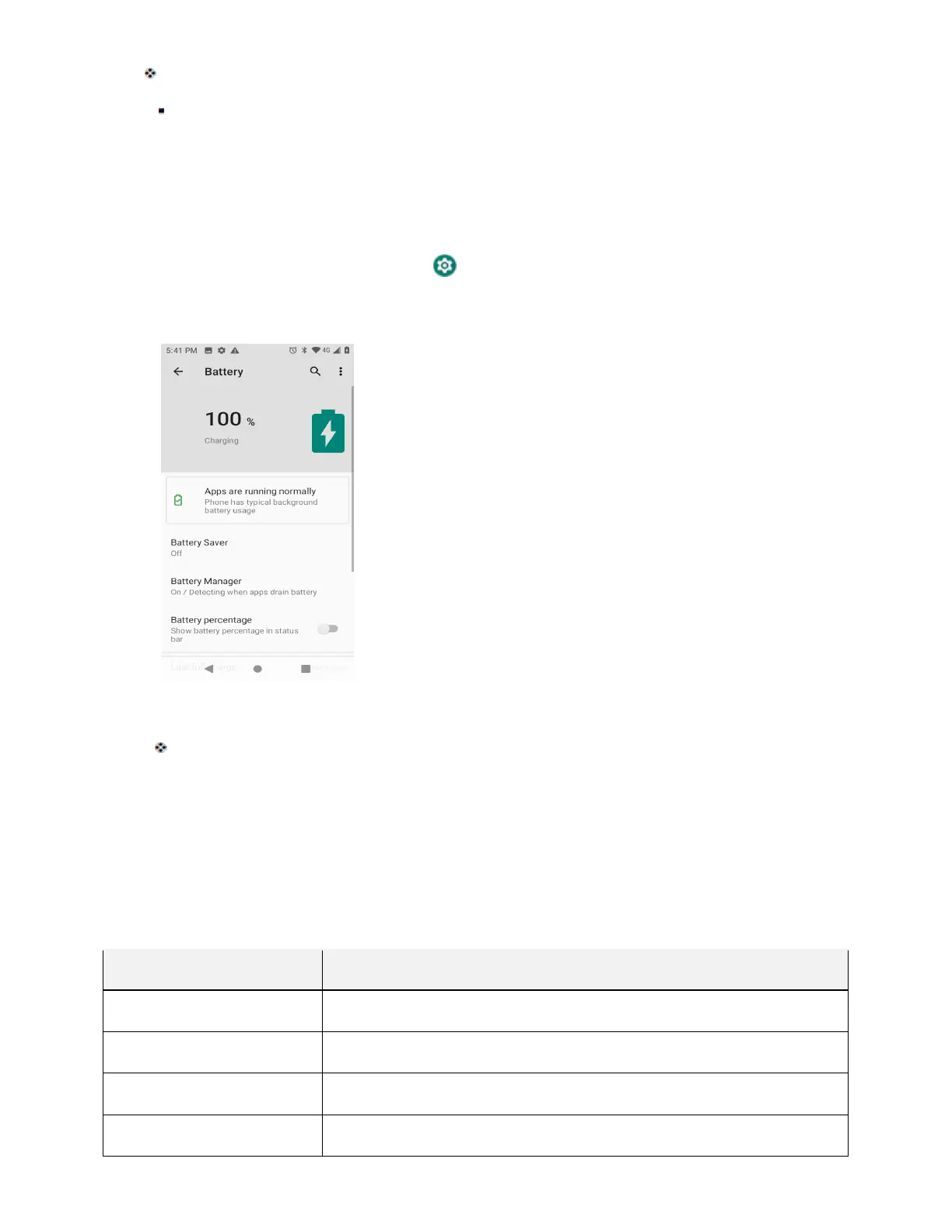
Monitor your phone’s battery usage through this settings menu. View which functions are consuming your
battery’s charge and at what percentage.
1. From home, swipe up and tap Settings .
2. Tap Battery .
3. Tap items to view details.
Check your battery condition and access additional options.
Display Settings
Use the phone's display settings menu to adjust items such as wallpaper, brightness level, sleep, and
more.
Display Settings Overview
The display settings menu allows you to configure the following options:
Display Setting Description
Brightness level Set the display brightness.
Adaptive brightness Optimize brightness level for available light.
Wallpaper Set a wallpaper.
Sleep
Set a screen sleep duration.



 To Next Page