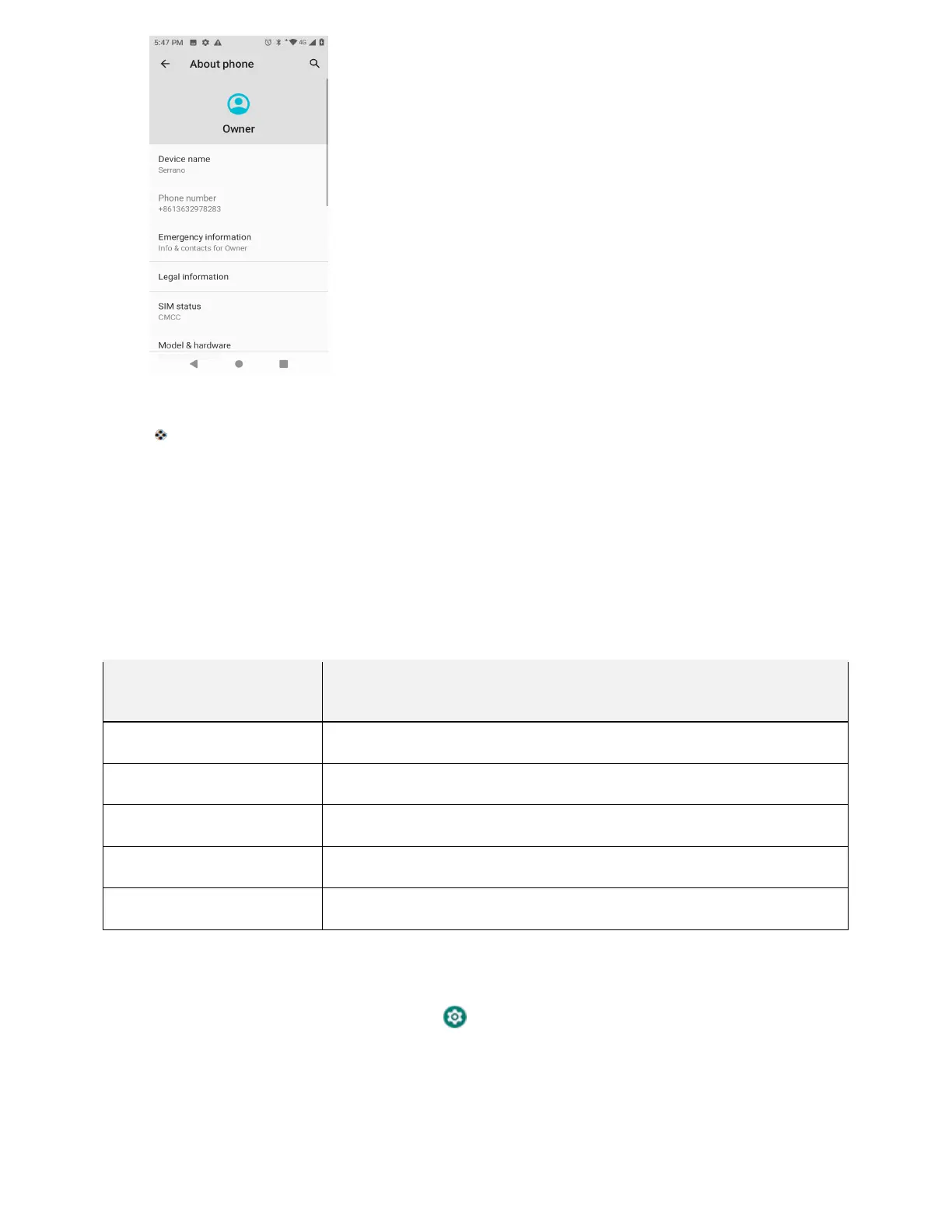
3. Select or view available options.
Your phone information is displayed.
Language and Input Settings
Your phone’s language and input settings let you select a language for the phone’s menus and keyboards,
select and configure keyboard settings, configure speech input settings, and set your phone’s
mouse/trackpad options.
Language and Input Settings Overview
You can set the following options in the Language and input settings menu:
Language and Input
Setting
Description
Language Set the language for your display and menus.
Gboard keyboard Set Gboard keyboard options.
Google voice typing Set options for Google Voice text entry.
Text-to-speech output
Set text-to-speech options.
Pointer speed Set the speed of the pointer for a mouse/trackpad.
Access Language and Input Settings
1. From home, swipe up and tap Settings .
2. Tap System > Language & input.



 To Next Page