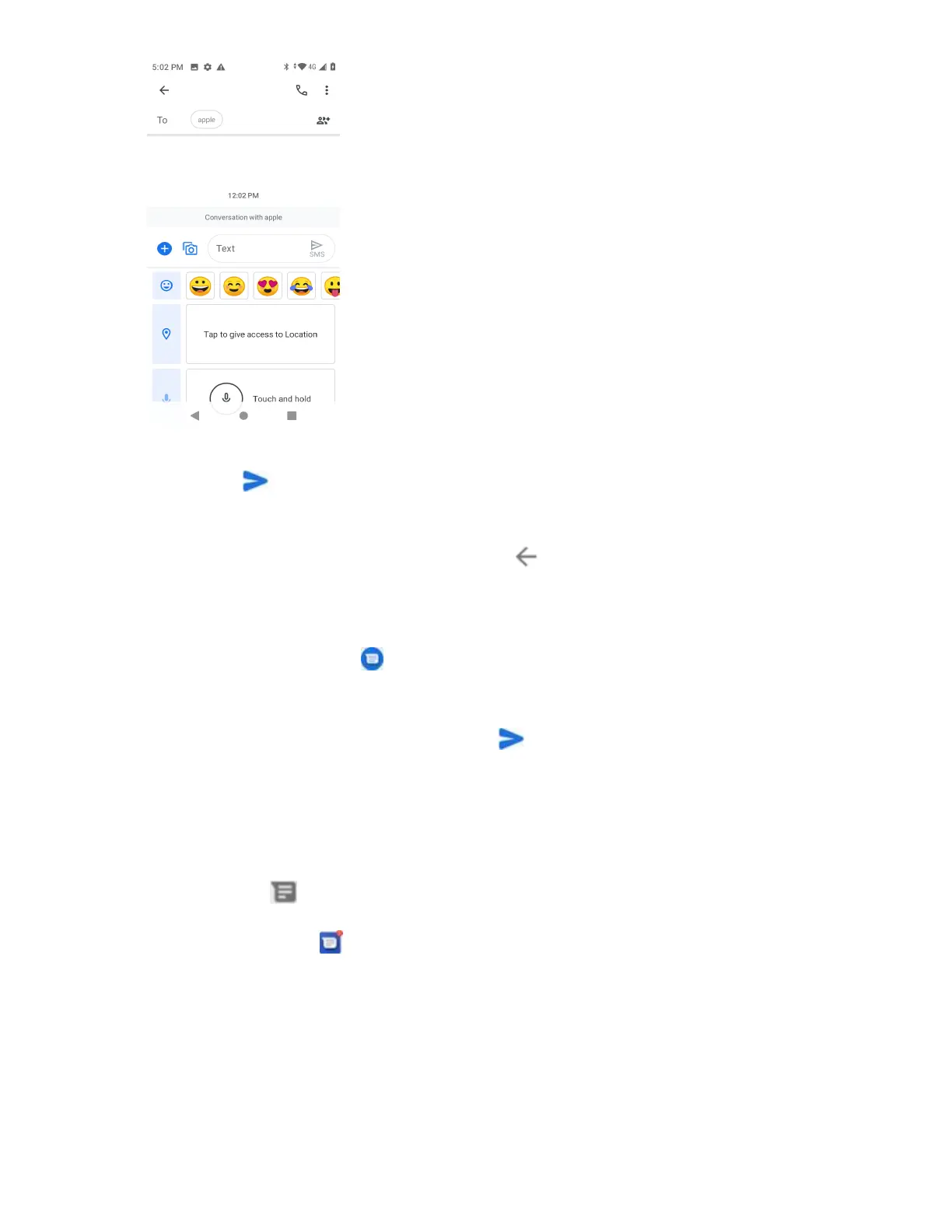
7. Tap Send to send the MMS message.
Save and Resume a Draft Message
While composing a text or multimedia message, tap Back to automatically save your message as a
draft.
To resume composing the message:
1. From home, tap Messages .
2. On the Messages screen, tap the message to resume editing it.
3. When you finish editing the message, tap Send .
New Messages Notification
Depending on your notification settings, the phone will play a ringtone, vibrate, or display the message
briefly in the status bar when you receive a new text or multimedia message. To change the notification
for new text and multimedia messages, seeText and MMS Optionsfor details.
A new message icon ( ) also appears in the notifications area of the status bar to notify you of a new
text or multimedia message. The Messages application icon (if shown on the home screen) also displays
the number of new messages .
■ To open the message, pull down the status bar to open the notification panel. Tap the new
message to open and read it. For information on reading and replying to messages seeManage
Message Conversations.



 To Next Page