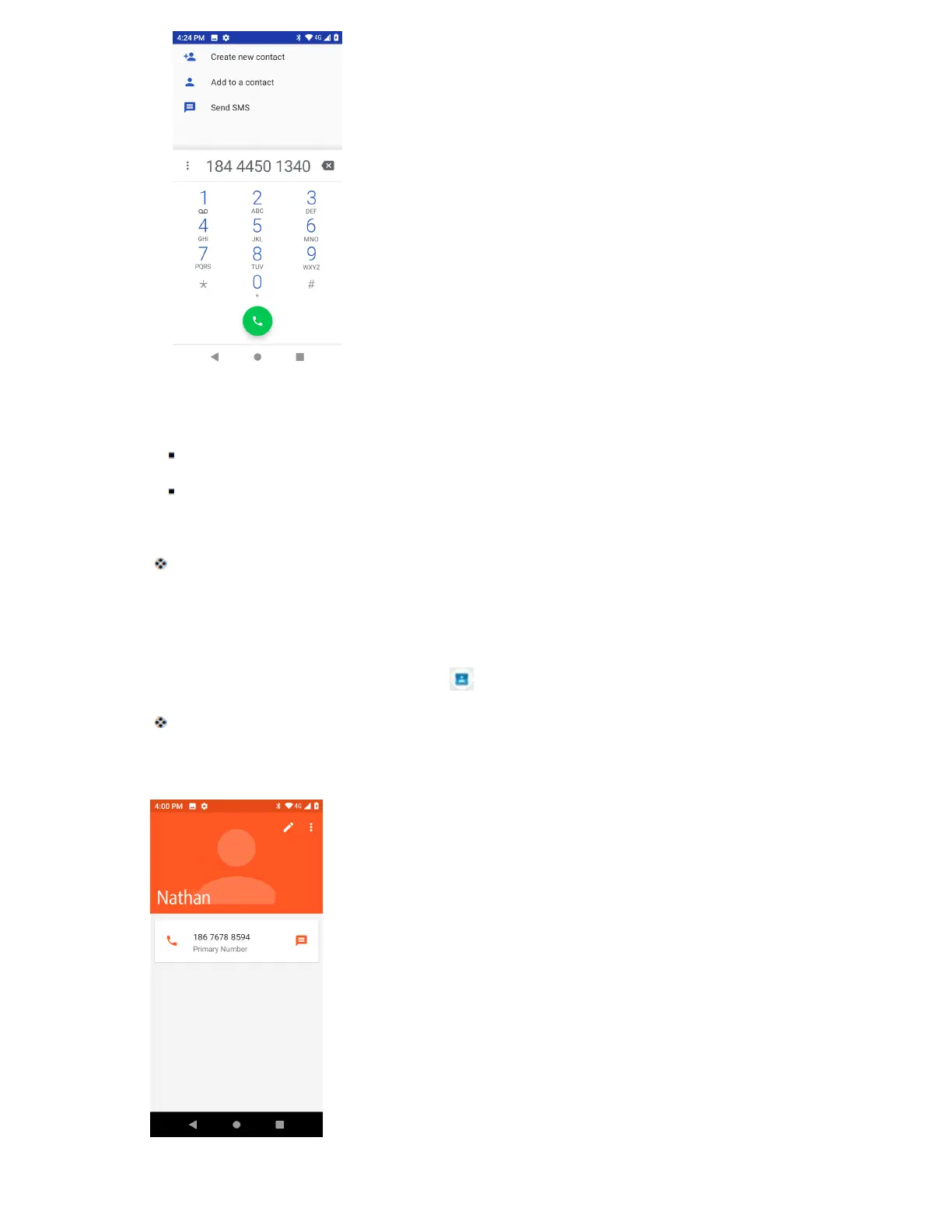
3. To add the number to an existing contact, tap the existing contact name. To add a new contact,
tap Create new contact.
For an existing contact, tap the contact name and select a number type for the new number.
For a new contact, enter the name and any additional information.
4. Tap Save.
The contact is added.
View Contacts
View a contact’s details by displaying a contact entry.
1. From home, swipe up and tap Contacts .
You will see the Contacts list.
2. Tap a contact to view its details.



 To Next Page