You will see the Contacts list.
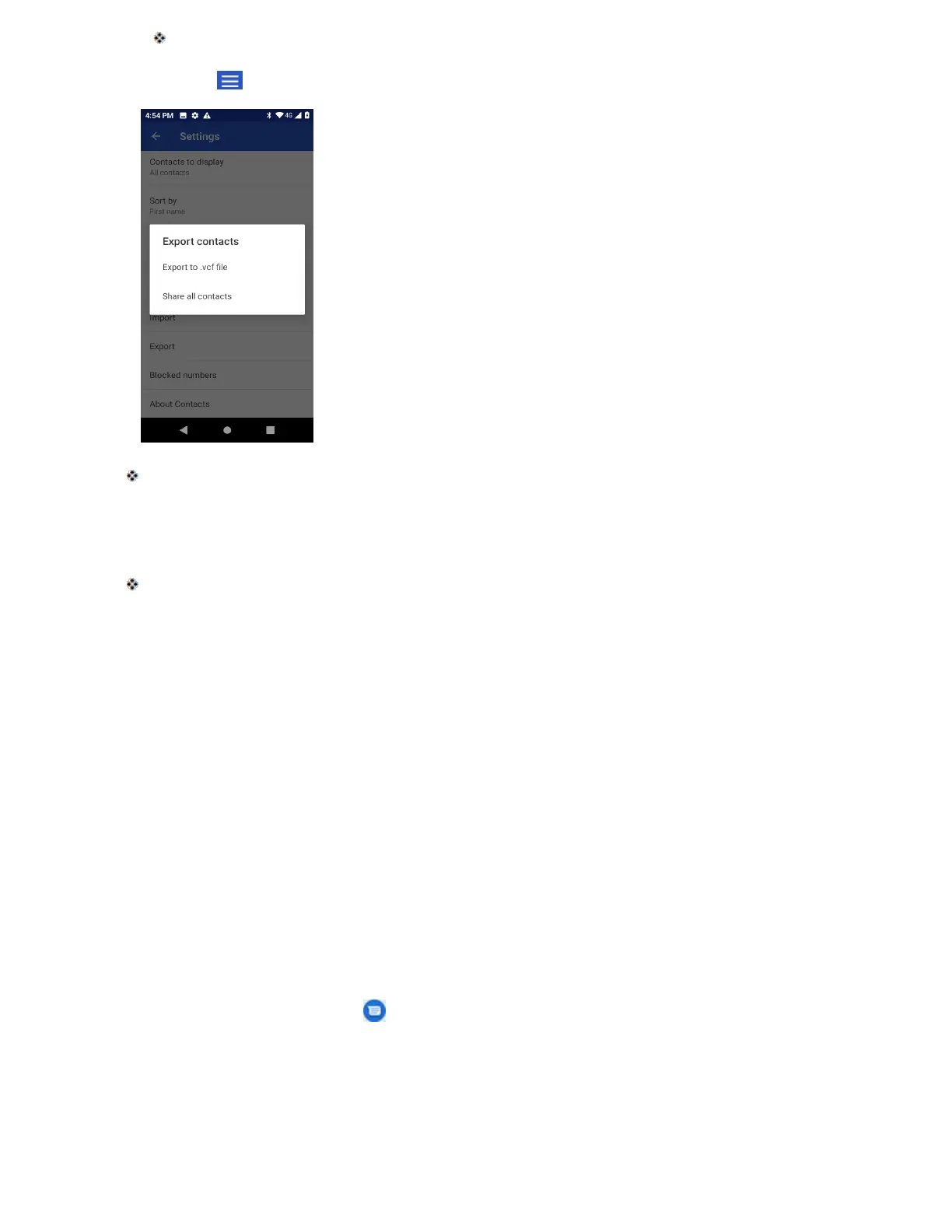
2. Tap Menu > Settings > Export.
You will see the Export contacts menu.
3. Tap Export to .vcf file, Share all contacts or SIM card.
4. Follow the onscreen instructions to complete the export.
The contacts are exported and saved.
Messages
With wireless service and your phone’s messages capabilities, you have the opportunity to share
information through many different channels and accounts, including Gmail (Google), personal
and corporate email, and text and multimedia messages.
Text and Multimedia Messages
With text messages (SMS), you can send and receive instant text messages between your
wireless phone and another messages-ready phone.
Multimedia messages, or MMS, can contain text and pictures, recorded voice, audio or video files, picture
slideshows, contact cards (vCard), or appointments (vCalendar).
See your service plan for applicable charges for messages.
Send a Text Message
Quickly compose and send text messages on your phone.
1. From home, tap Messages .
2. On the Messages screen, tap Start Chat.
3. Fill in one or more recipients. You can:



 To Next Page