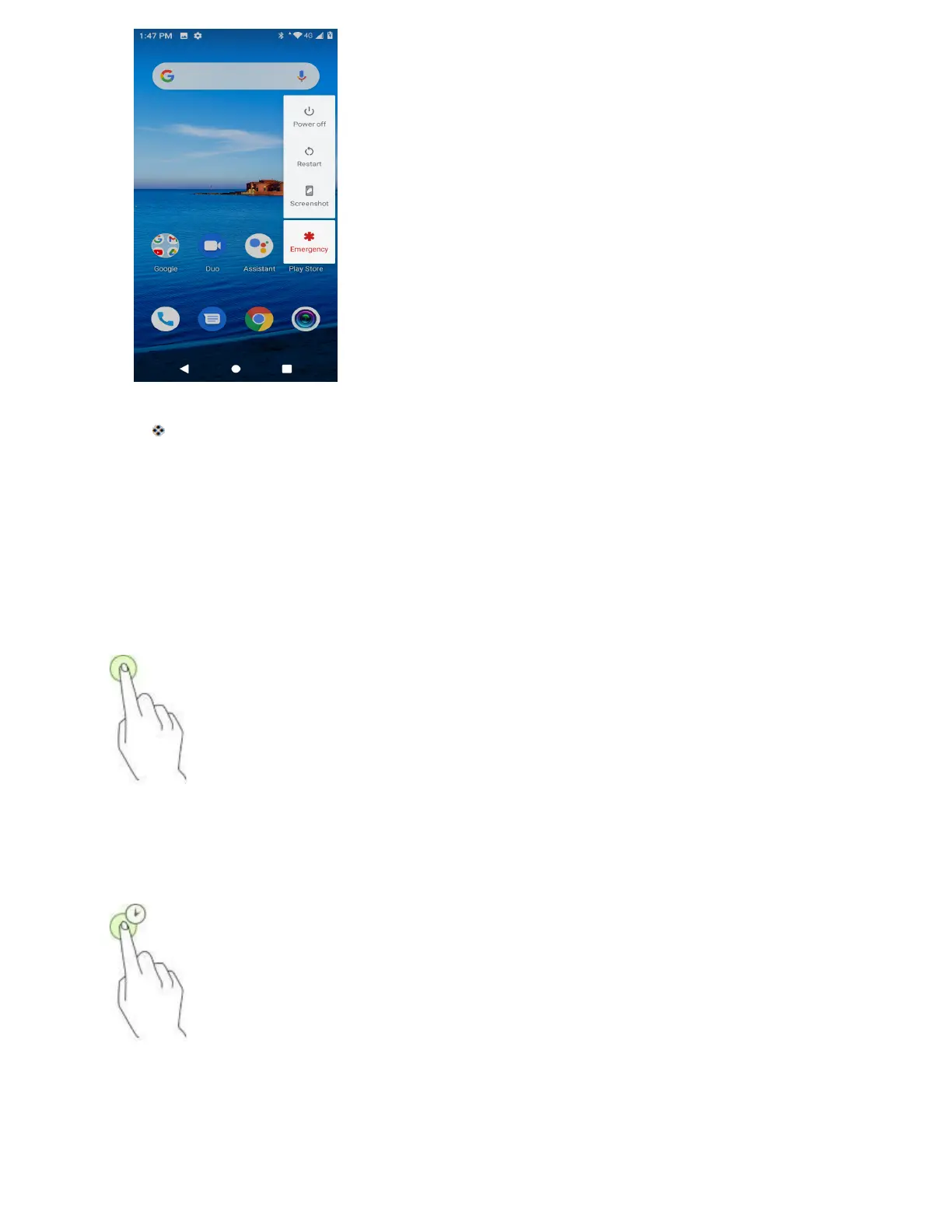
2. Tap Power off to turn the phone off.
Your phone will power off.
Your screen remains blank while your phone is off (unless the battery is charging).
Use the Touchscreen
Your phone’s touchscreen lets you control actions through a variety of touch gestures.
Tap
When you want to type using the onscreen keyboard, select items onscreen such as application and
settings icons, or press onscreen buttons, simply tap or touch them with your finger.
Tap and Hold
To open the available options for an item (for example, a contact or link in a Web page), tap and hold the
item.
Swipe
To swipe means to quickly drag your finger vertically or horizontally across the screen.



 To Next Page