Place a Call from Contacts
You can place phone calls directly from entries in your Contacts list.
1. From home, tap Phone to display the phone app.
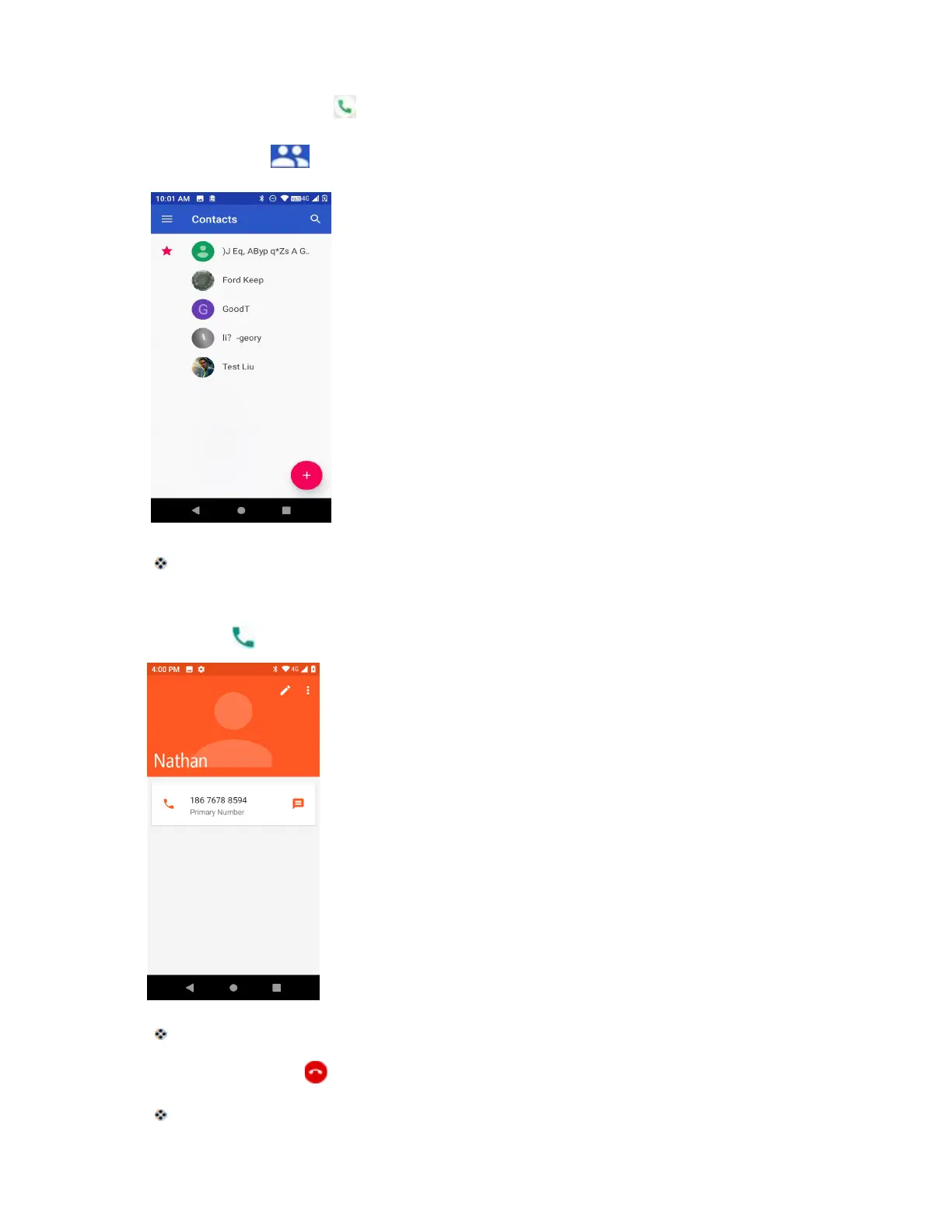
2. Tap Contacts to display the Contacts list.
The contacts list appears.
3. Tap a contact.
4. Tap Call next to the number you want to call.
The phone dials the number. The call begins when the other party answers.
5. To end the call, tap .
The call ends.



 To Next Page