Update Your Phone’s Software
Once you have backed up all your data, use the Check for update option to update your
phone’s software.
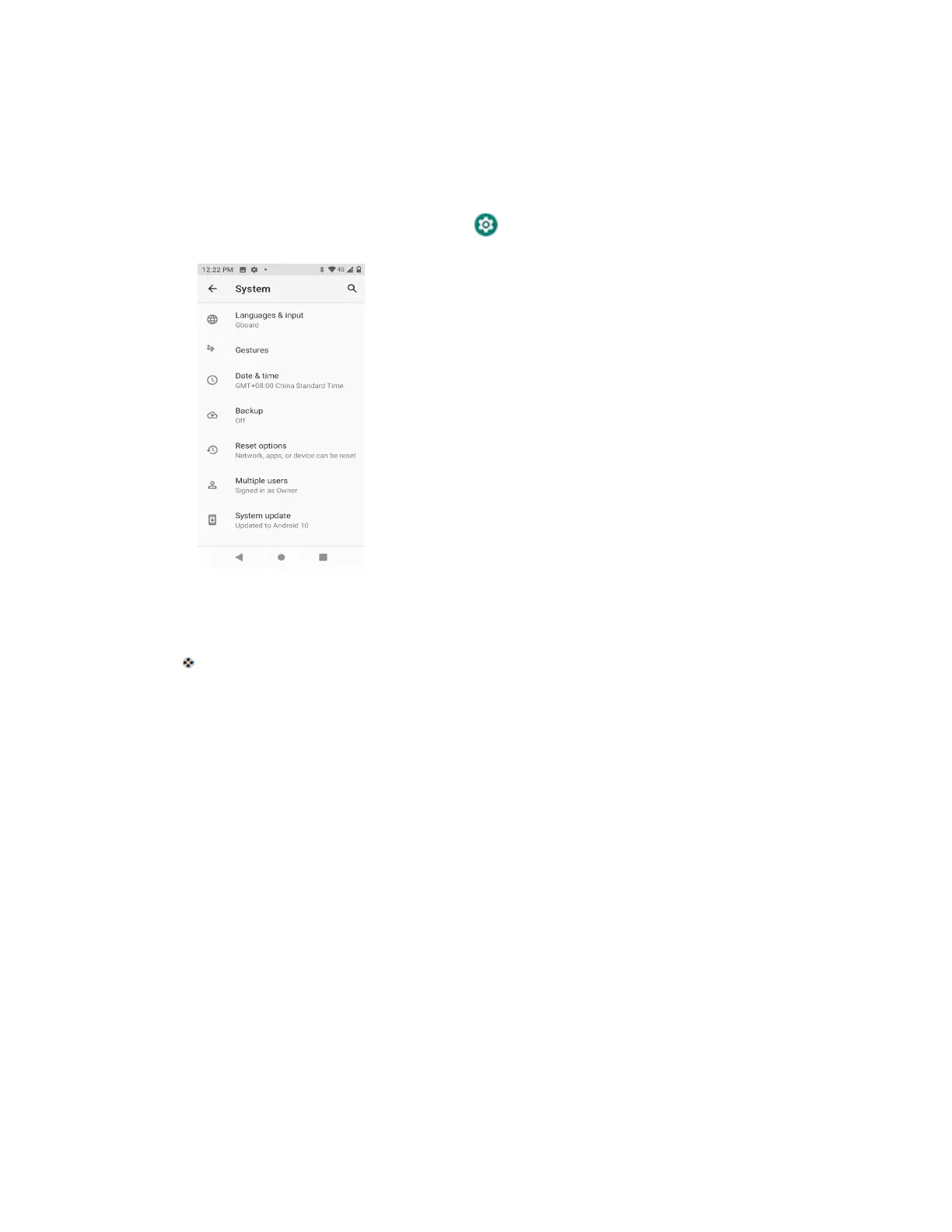
1. From home, swipe up and tap Settings > System > Advanced > System Updates.
2. Tap System Updates > Check for update.
You may be required to power your phone off and back on to complete the software
upgrade.
Your Phone's Home Screen
The following topics describe how to use and customize your phone’s home screen,
understand the status bar, and use the notification panel.
Home Screen Basics
The home screen is the starting point for your phone’s applications, functions, and menus.
You can customize your home screen by adding application icons, shortcuts, folders, and
more.
Home Screen Layout
Your home screen extends beyond the initial screen. Swipe the screen left to display additional
screens.



 To Next Page