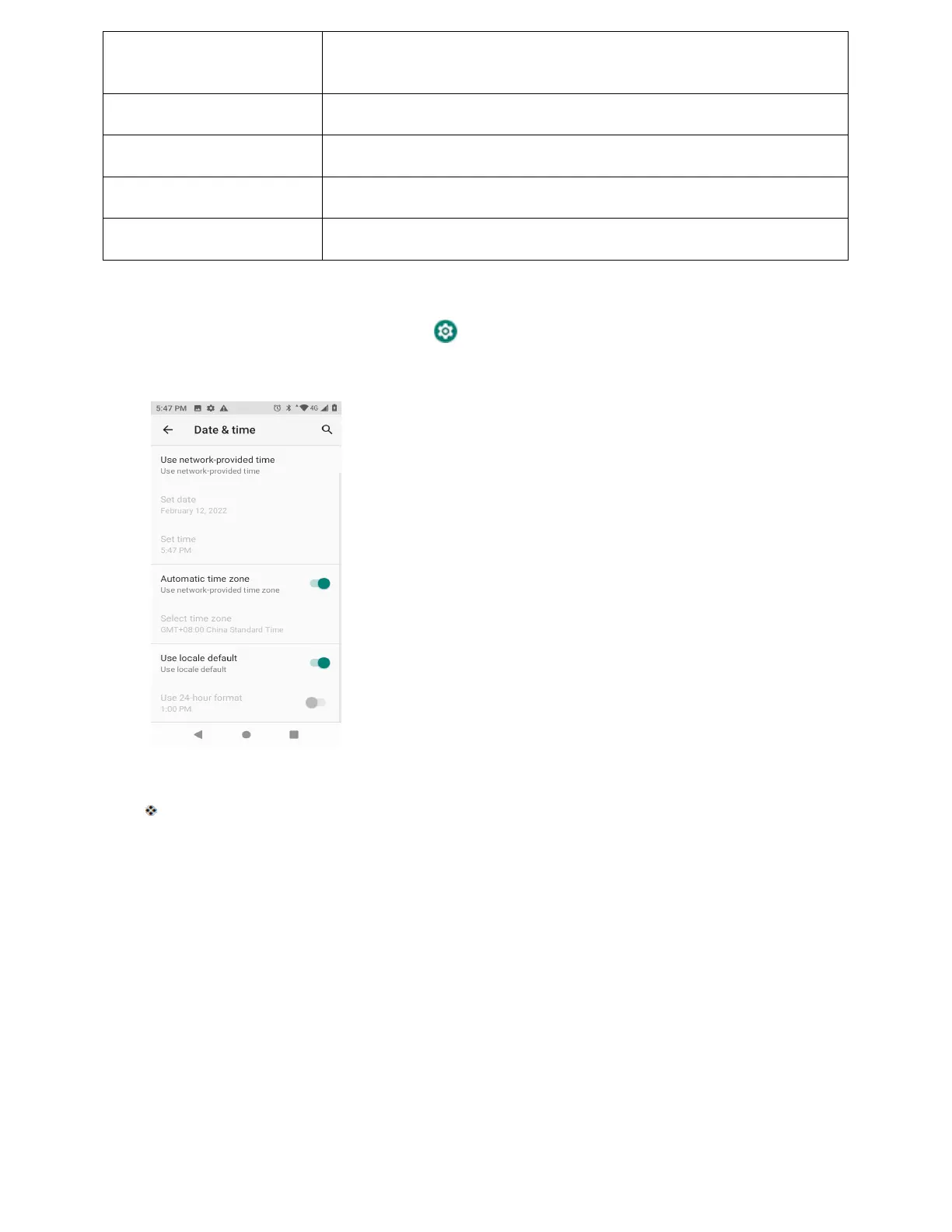
Set time
Set the time manually (only available when Automatic date and time
option is disabled).
Automatic time zone
Set the time zone automatically via the connected wireless network .
Select time zone
Set the time zone manually (only when Automatic time zone is disabled) .
Automatic 24-hour format Use locale default format.
Use 24-hour format
Enable 24-hour format.
Access Date and Time Settings
1. From home, swipe up and tap Settings .
2. Tap System > Date & time.
3. Set available date and time options.
Your date and time settings are applied and saved.
Reset Options
Your phone’s Reset options menu lets you reset your phone's Wi-Fi, mobile, Bluetooth, app preferences
settings or erase all data. The Factory data reset erases all data from the phone’s application storage,
including:
● Your Google Account
● System and app data and settings
● Downloaded apps
● Music
● Photos
● Other user data



 To Next Page