Reset Options Overview
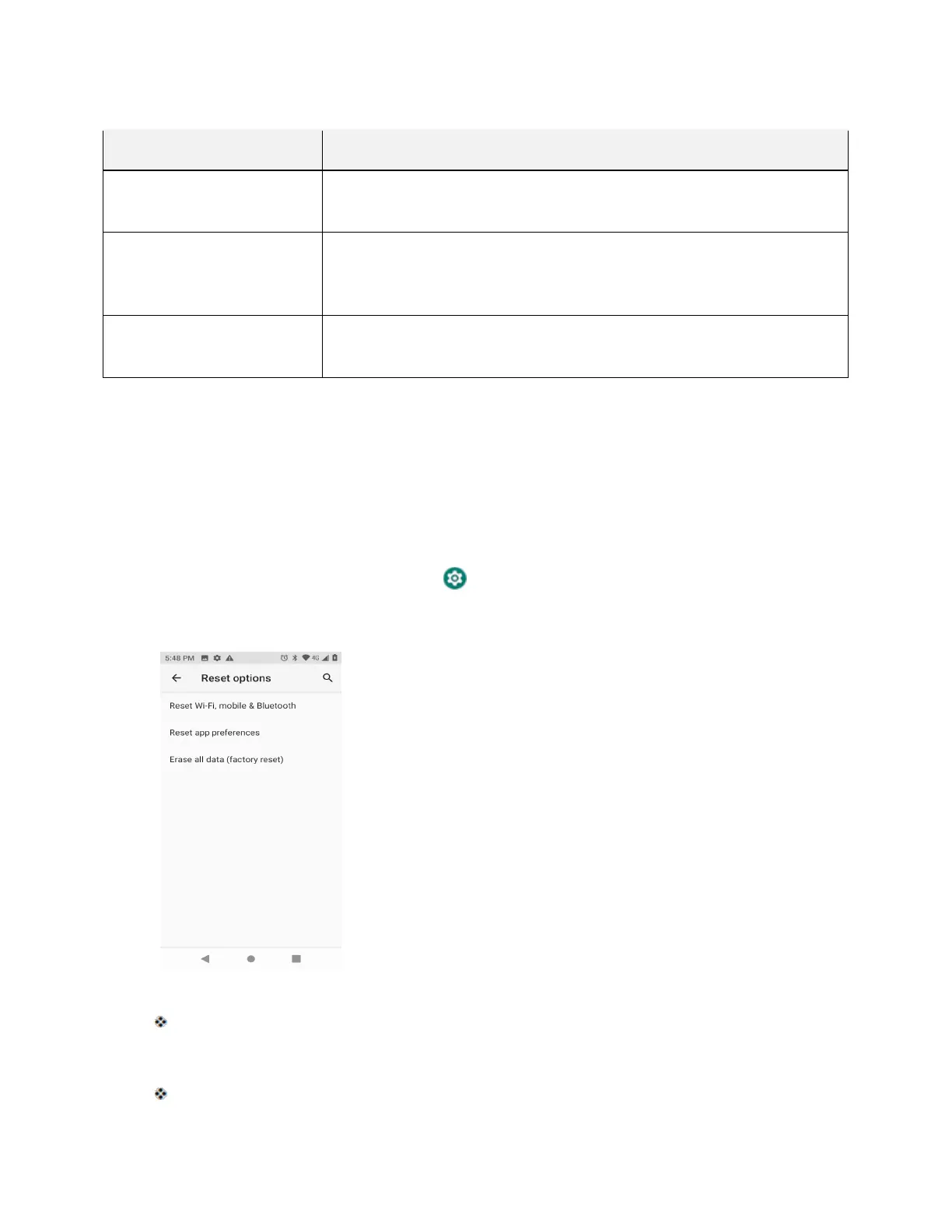
The following options are available in the Reset options menu:
Reset Options Description
Reset Wi-Fi, mobile &
Bluetooth
Reset all network settings, including Wi-Fi, mobile data and Bluetooth.
Reset all preferences for disabled apps, disabled app notifications,
default applications for actions, background data restrictions for apps,
and any permission restrictions .
Erase all data (factory
reset)
Reset all settings and delete all data on phone.
● Performing a factory data reset erases all data on the phone. It is recommended that you back up
important data before performing a factory data reset.
● Erased information cannot be restored. Only erase data after you are sure you have saved
everything you need.
Access Reset Options Settings
1. From home, swipe up and tap Settings .
2. Tap System > Reset options.
The Reset options menu opens.
3. Set options.
The reset settings are applied and saved.



 To Next Page