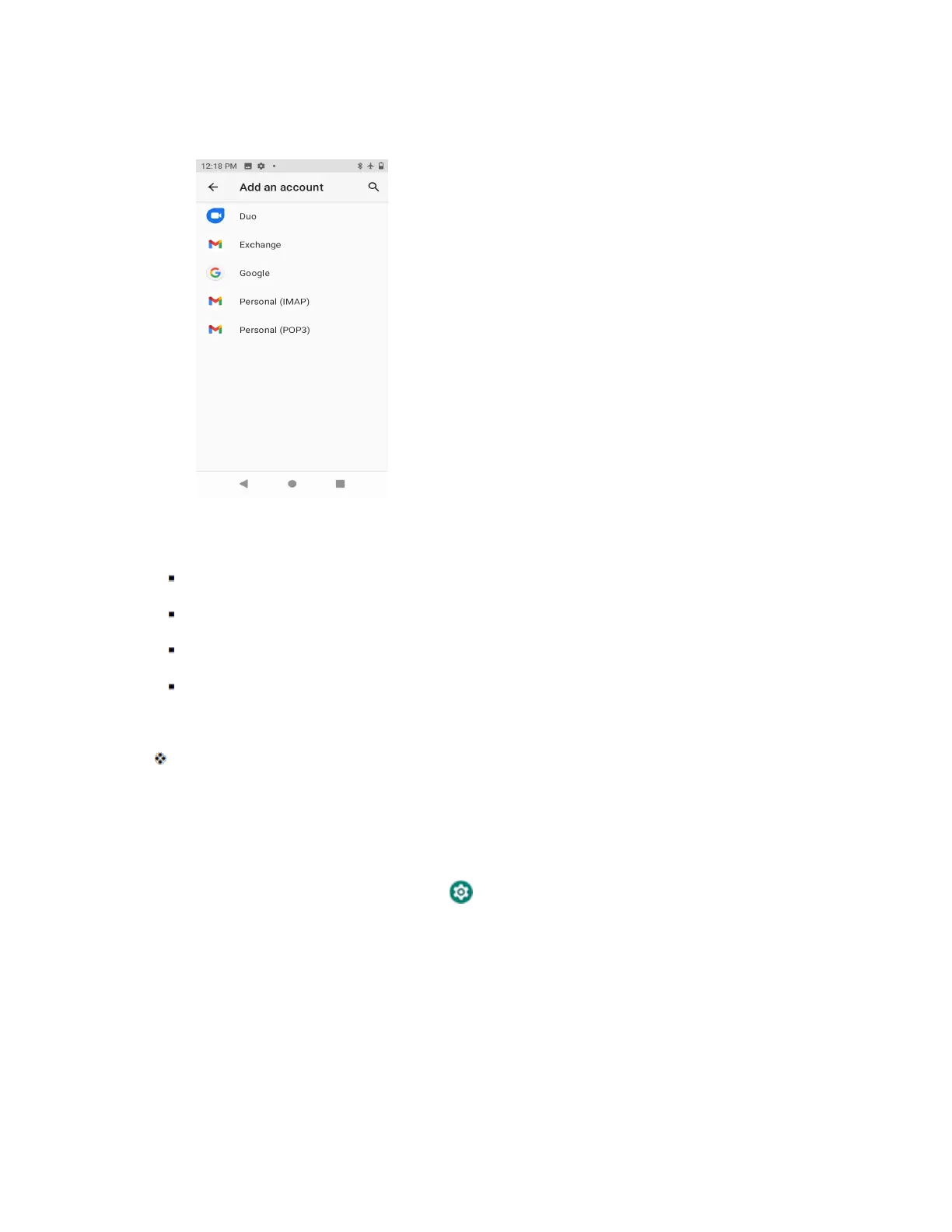
2. Tap Google and then tap Create account.
3. Follow the prompts to set up your account. Tap Next to proceed between steps, which may
include:
Enter your First name and Last name.
Enter your birthday and gender.
Pick a Gmail address or create your own.
Create a password.
4. Tap Agree.
You are signed in to your Google Account, and your phone will synchronize the selected items.
Sign In to Your Google Account
If you have a Google Account but have not yet signed in with your phone, follow these instructions to sign
in to your Google Account.
1. From home, swipe up and tap Settings > Accounts > Add account.



 To Next Page