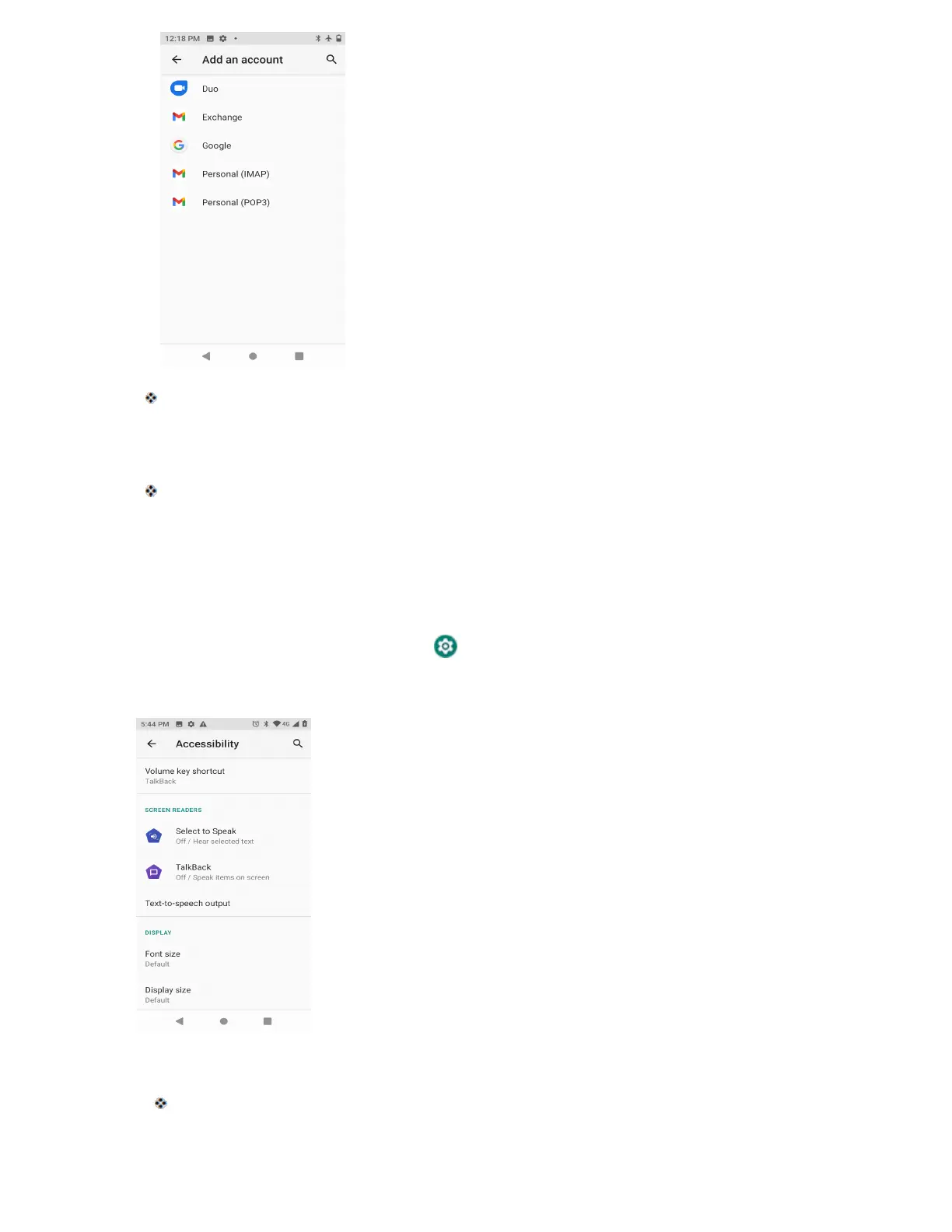
An Add account window appears.
3. Tap an account type and then follow the onscreen instructions to add the required account
information, and then tap I agree.
The account is added to the accounts list.
Accessibility Settings
The accessibility menu lets you enable and manage accessibility-related applications.
Access Accessibility Settings
1. From home, swipe up and tap Settings .
2. Tap Accessibility.
3. Set available accessibility options.
Your accessibility settings are applied and saved.



 To Next Page