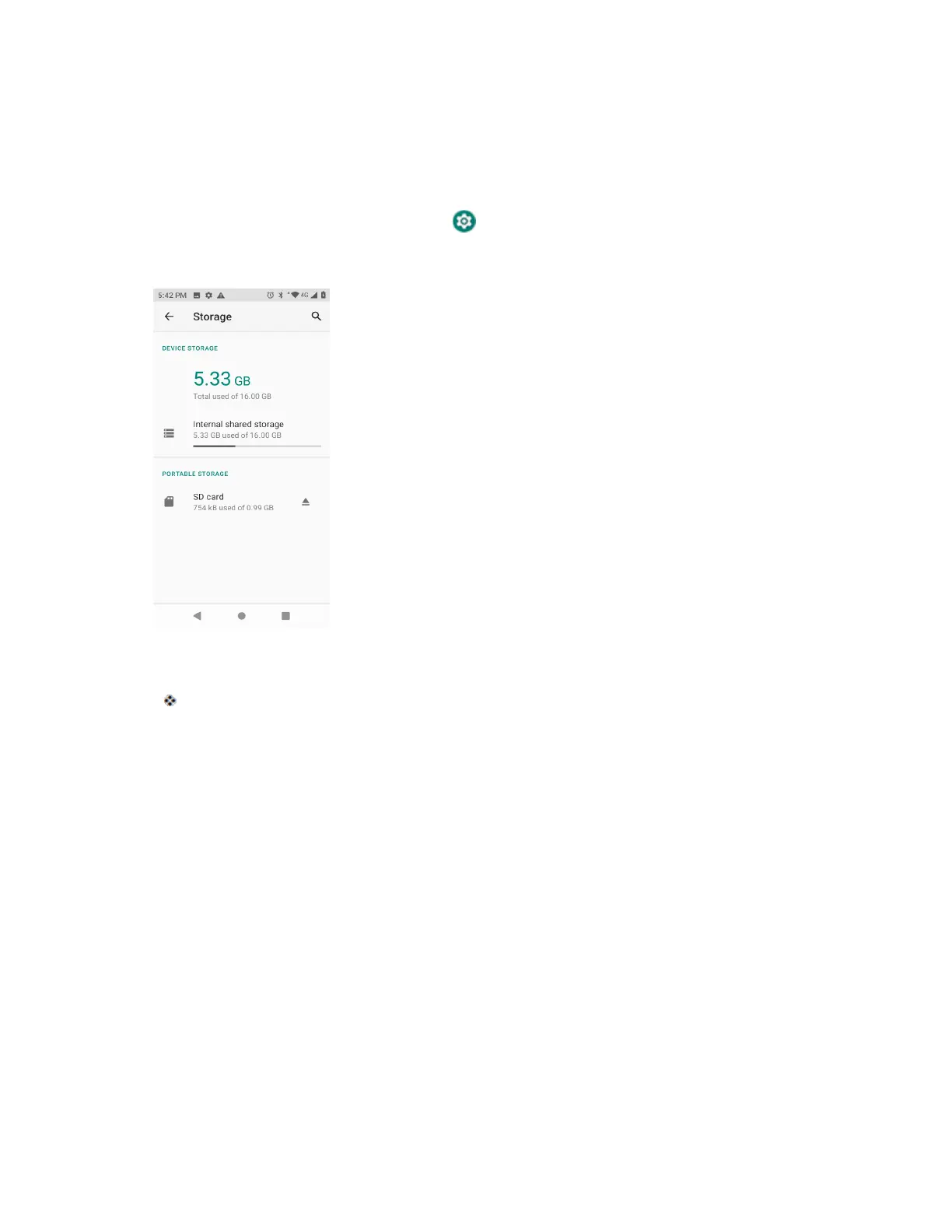
Storage Settings
The storage settings menu lets you manage internal storage on your phone and provides menu
choices for an optional SD card (not included).
1. From home, swipe up and tap Settings .
2. Tap Storage.
3. Check or tap items.
Review your storage settings.
Screen Lock
You can increase the security of your phone by creating a screen lock. When enabled, you have to draw
the correct unlock pattern on the screen, enter the correct PIN, or enter the correct password to unlock
the phone’s control keys, buttons, and touchscreen.
In order from least secure to most secure, the available screen lock options are:
● None
● Swipe
● Pattern
● PIN
● Password
Important: To protect your phone and data from unauthorized access, it is recommended that you use
the highest security level available (Password protection). It is also recommended you frequently change
your password to ensure the safety of your phone and personal data.



 To Next Page