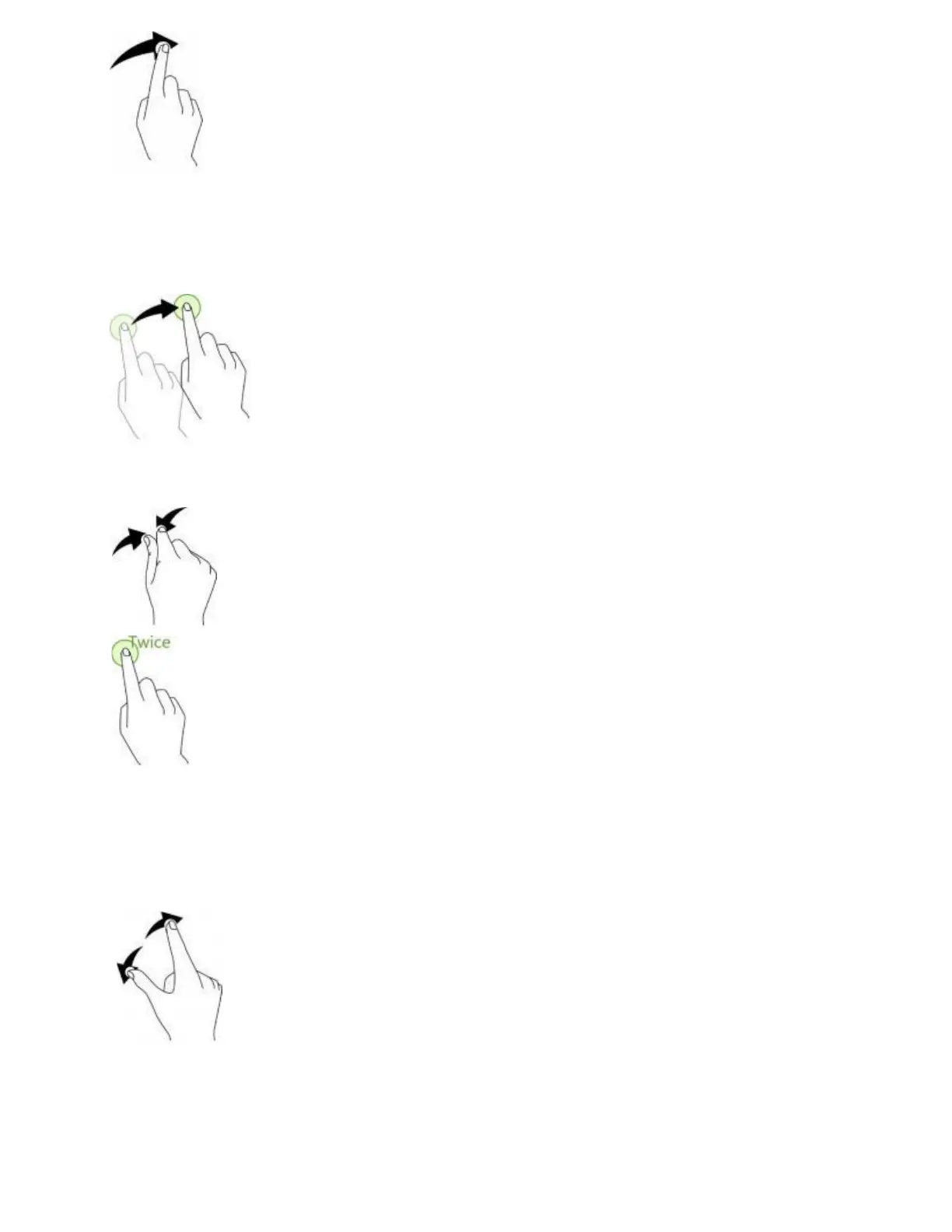
Drag
To drag, press and hold your finger with some pressure before you start to move your finger. While
dragging, do not release your finger until you have reached the target position.
Double-tap
Double tap on an image to zoom in. Double tap again to return.
Pinch and Spread
“Pinch” the screen using your thumb and forefinger to zoom out or “spread” the screen to zoom in when
viewing a picture or a Web page. (Move fingers inward to zoom out and outward to zoom in.)



 To Next Page