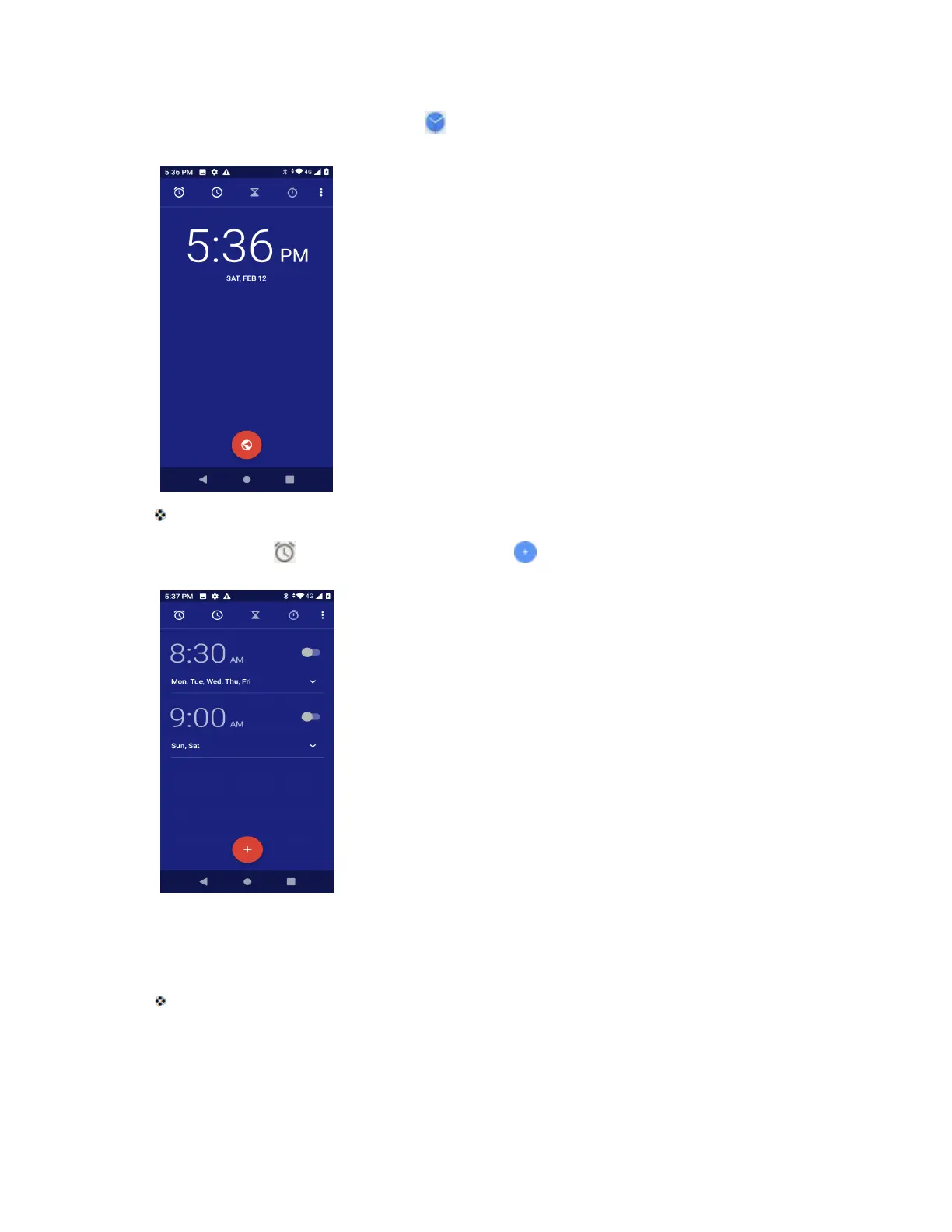
1. From home, swipe up and tap Clock .
The Clock appears.
2. Tap the Alarm tab and then tap Create alarm .
3. Set the time and tap OK. Set the alarm options, including repeat pattern, alarm tone and add
label.
The alarm is set.
Phone at Alarm Time
● At the set alarm time, the phone sounds the alarm and/or vibrates.



 To Next Page