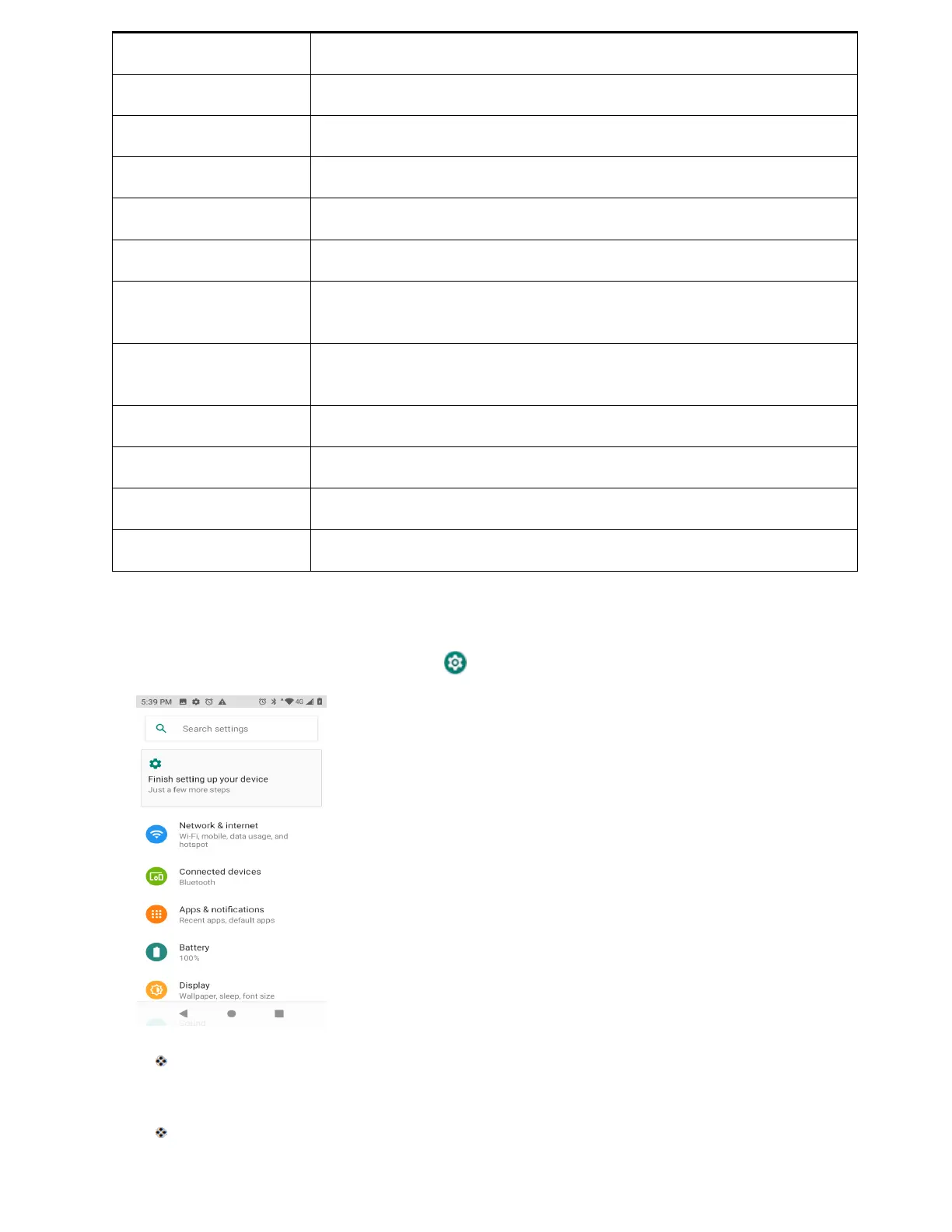
Network & internet
Enable and set Wi-Fi, mobile, data usage and hotspot options.
Connected devices
Enable Bluetooth, printing and USB connections.
Apps & notifications View default apps and set permissions .
Battery
Monitor your phone’s battery usage.
Display Set wallpaper, brightness, etc.
Sound Set ringtone, operation tones, etc.
Manage internal storage on your phone and view menu choices for an
optional SD card.
Security & location
Set encryption options, password visibility, administrator settings, and
credential storage options. Select your phone’s location access options .
Accounts Add accounts, set emergency information, etc.
Accessibility
Set accessibility options such as screen magnification, display size, etc.
Google Set Google services, preferences, etc.
System
Set languages, time, backup and updates, etc.
Access Settings
1. From home, swipe up and tap Settings .
The settings menu opens.
2. Select categories and then select your settings options.
Settings are made and applied.



 To Next Page