38 Introduction HP 81110/04A Quick Start
Introduction
User Interface Concept
The Controls
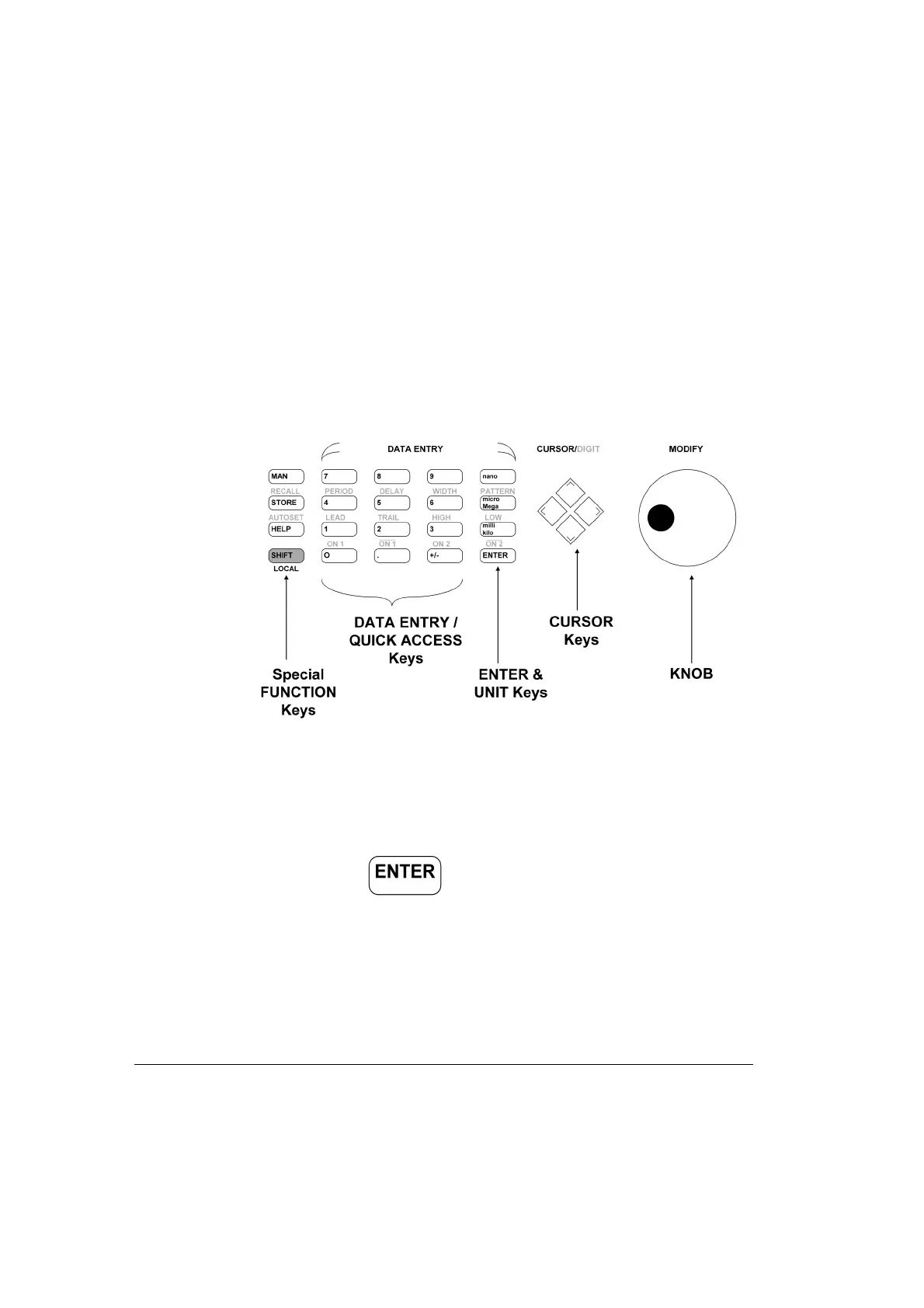
Movement of the entry focus within the Mode & Parameter section of
the display is controlled by the Cursor Keys.
Figure 8 Front Panel Controls
Numerical Data Entry
Numerical data is entered by the Data Entry keys and validated either by
a Unit key or the key.
Parameter Selection and Modification
The Modify knob can be used in the Modify area of the display. Modes
can be selected and changed in the Modify Area or parameter values can



 To Next Page