42 Introduction HP 81110/04A Quick Start
Introduction
Quick Access of Menus and Parameters
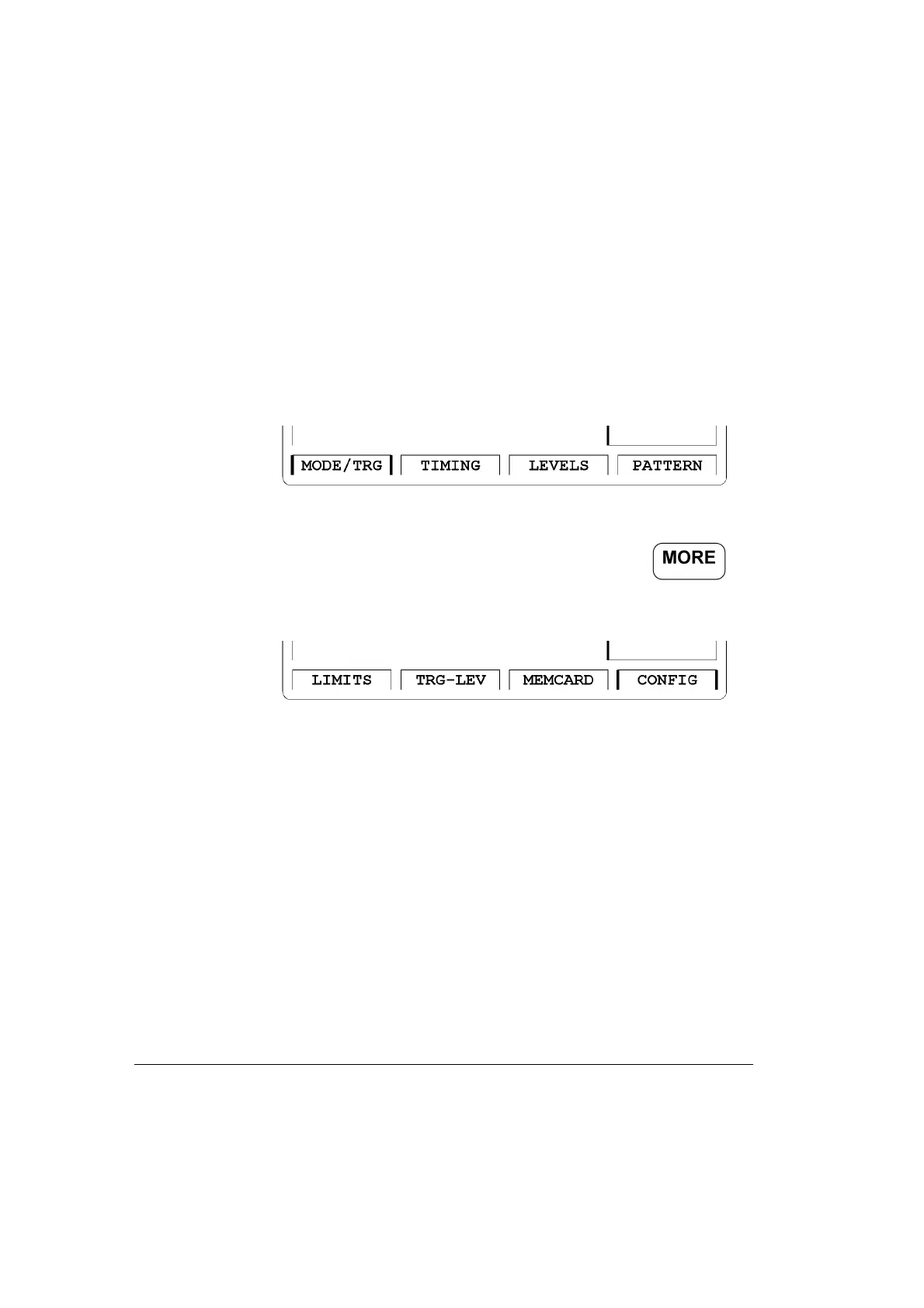
Screen Menus
The Softkeys allow access to the screen menus and can toggle between
screens where applicable.
Figure 10 Screen Menus of a dual channel instrument
Additional screen menus can be accessed by pressing the
softkey leading to the following screen selection area.
Figure 11 Additional Screen Menus



 To Next Page