HP 81110/04A Quick Start Introduction 59
Introduction
Thresholds and Trigger-Levels
Thresholds and Trigger-Levels
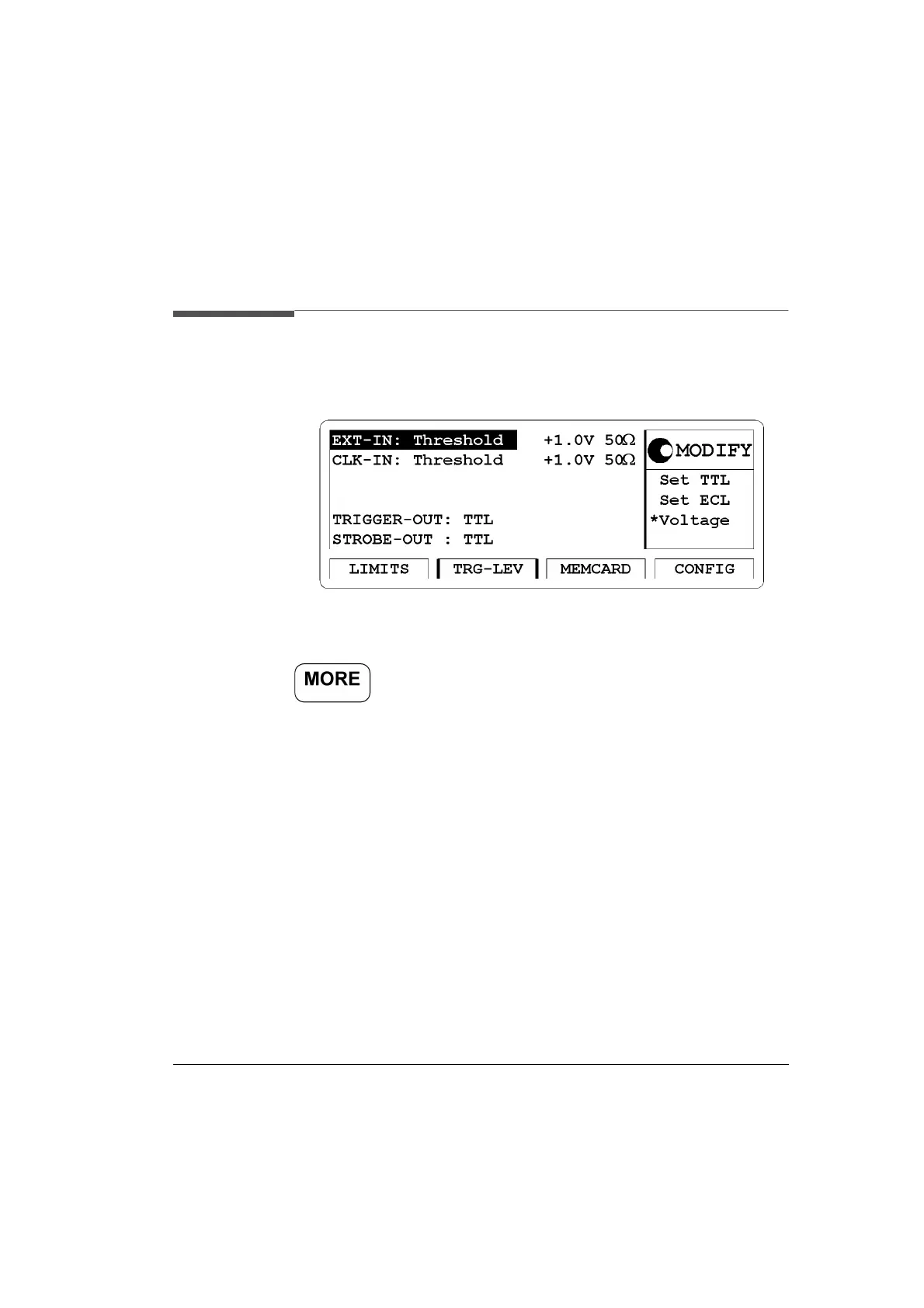
Figure 17 TRG-LEV Screen
Access the trigger level (TRG-LEV) menu screen by pressing the
softkey then pressing the
|TRG-LEV| softkey.
In this screen you can set the thresholds for external and clock reference
signals and the input impedance. For the output trigger and strobe signal
specify the output levels, either TTL or ECL.
The available selections are:
1 EXT-IN -
Set TTL, Set ECL, Voltage
Voltage Range - -10V to +10 V
Input Resistance - 10k
Ω
Inp or 50
Ω
Inp
2 CLK-IN -
Set TTL, Set ECL, Voltage
Voltage Range - -10V to +10V
Input Resistance - -10k
Ω
Inp or 50
Ω
Inp
3 Trigger-Out - TTL, ECL
4 Strobe -Out- TTL, ECL



 To Next Page