HP 81110/04A Quick Start Introduction 57
Introduction
Setting Limits
Setting Limits
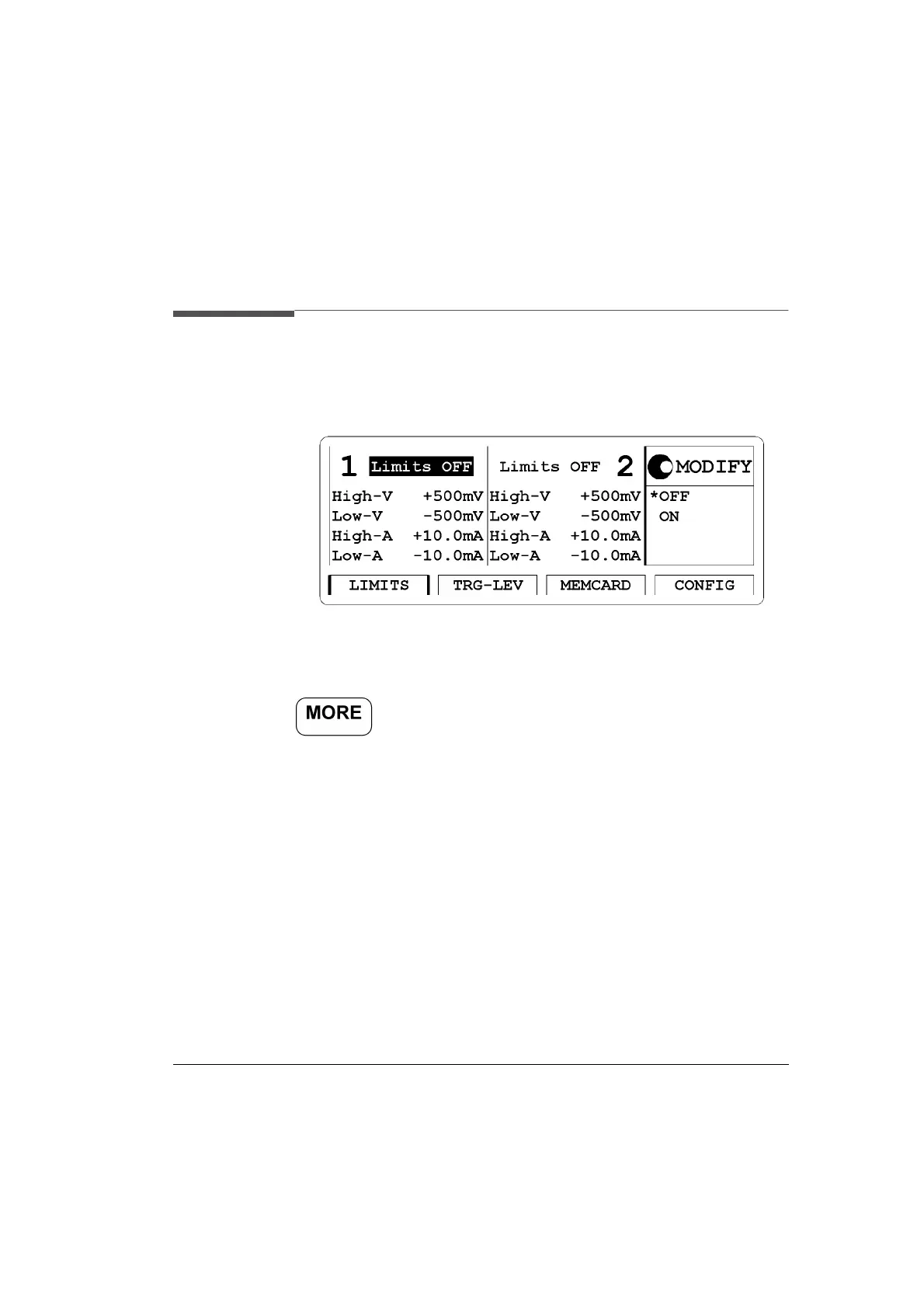
Figure 16 LIMITS Screen
Access the output limitation (LIMITS) menu screen by pressing the
softkey then pressing the
|LIMITS| softkey.
To prevent your device from being damaged by excessive voltages it is
recommended to limit the output of the instrument. You can switch the
limit feature on, or off and set the required limits as either voltages or
currents.
Please select from:
1 Limits Status -
ON, OFF
2 High Voltage Limit - High-V
For the 10 V output channels HP 81105A and HP 81111A the range
is:
-19.8V to +20.0V
For the 3.8 V output channels HP 81112A the range is: -1.90V to
+3.80V



 To Next Page