60 Introduction HP 81110/04A Quick Start
Introduction
Reading/Storing on Memory Card
Reading/Storing on Memory Card
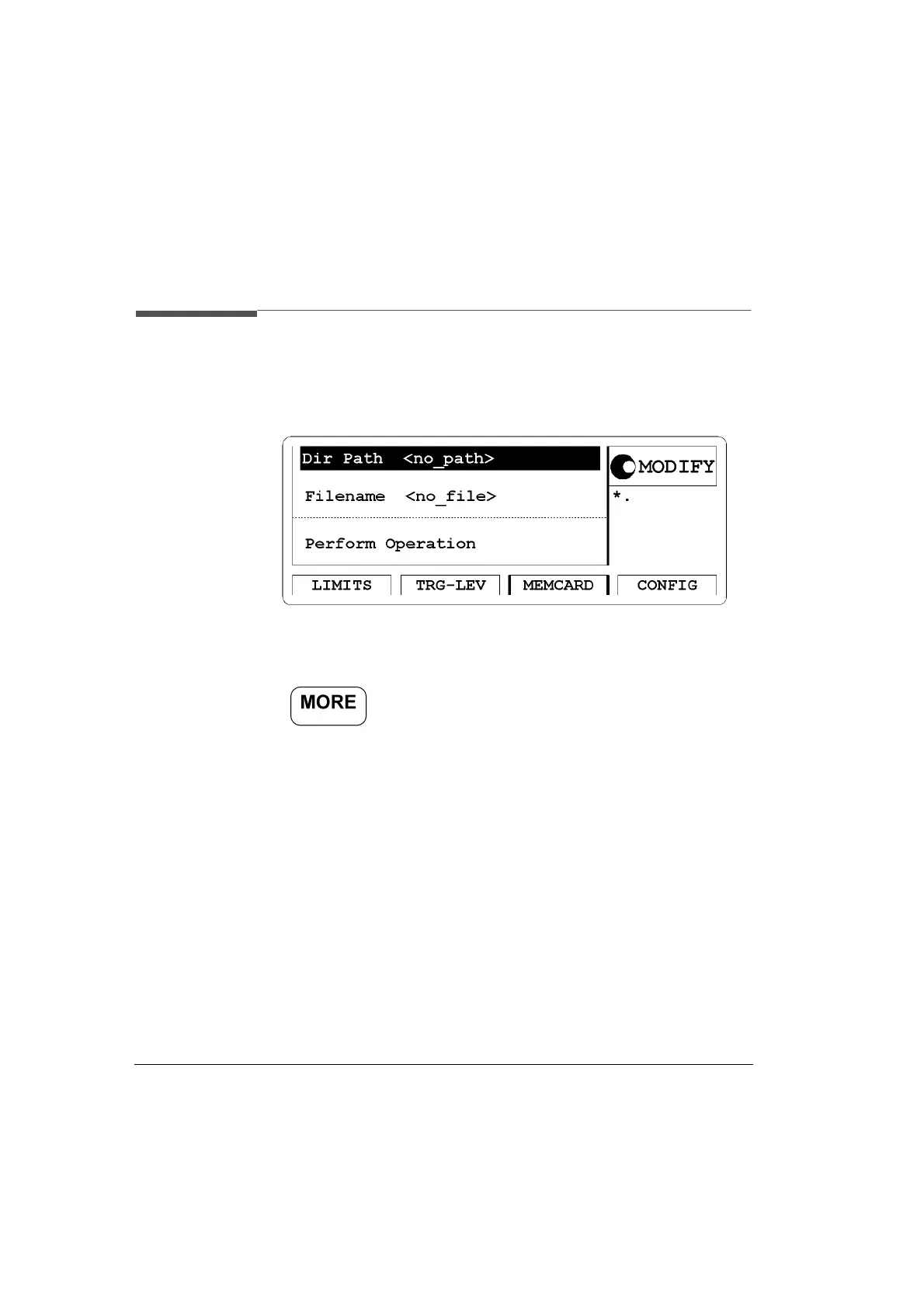
Figure 18 MEMCARD Screen
Access the memory card (MEMCARD) menu screen by pressing
the softkey then pressing the |MEMCARD| softkey.
The main operations on the MEMCARD screen are:
• Store instrument settings to the memory-card
• Recall instrument settings from the memory-card
• Delete files from the memory-card
• Format the memory-card
If a memory card is plugged in the memory card slot on the front panel
you can select:
1 Dir Path- displayed if there is a plugged in memory card with a
directory created on a DOS PC.
2Filename- list of the filenames which are present on the plugged in
memory card.
3 Perform Operation -
ReadCard, Recall, Store, Store All, Delete,
Format



 To Next Page