54 Introduction HP 81110/04A Quick Start
Introduction
Editing Pattern
Editing Pattern
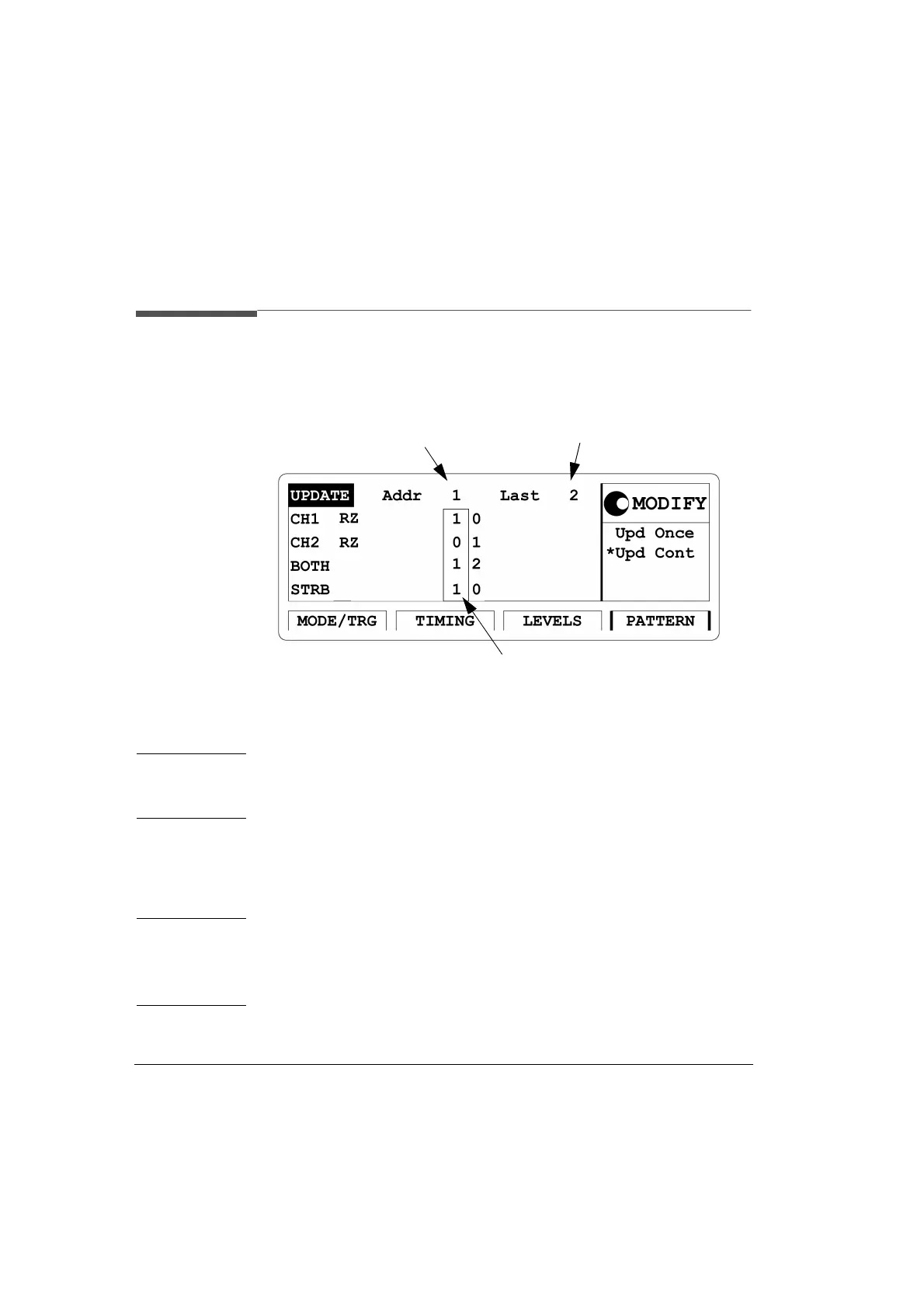
Figure 15 PATTERN Screen
NOTE: Make sure that in the |MODE/TRG| screen the pattern operating mode
is selected. Please refer to “Available Operating/Trigger Modes” on page
47.
Access the pattern entry (PATTERN) menu screen by pressing the
|PATTERN| softkey. This screen has to be accessed for pattern entry
when data streams in Pattern operating mode will be set up.
NOTE: A signal with a number of pulses followed by a pause is what we
would call a burst signal. Such burst signals are recommended to
be set up in the burst mode, as this is done more quickly and easier
as it would be in the pattern mode.
Set the pattern length here
Bit-editing Window
Shows which memory location
can actually be edited



 To Next Page