HP 81110/04A Quick Start Introduction 47
Introduction
Available Operating/Trigger Modes
Available Operating/Trigger Modes
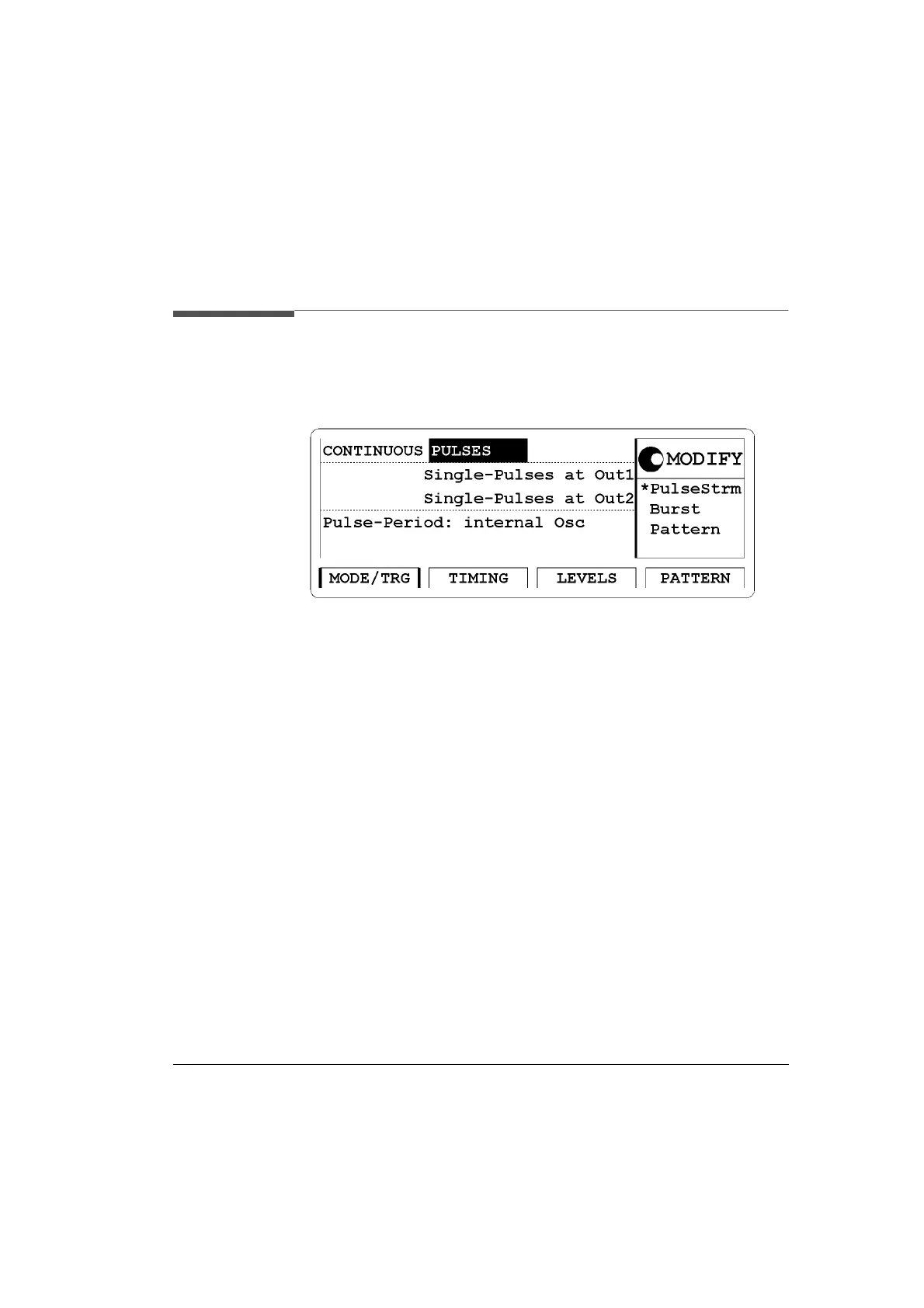
Figure 12 MODE/TRG Screen
Access the Operating/Trigger Mode (MODE/TRG) screen by pressing
the
|MODE/TRG| softkey. Move the Entry Focus with the cursor keys.
In this screen you set the fundamental operating and trigger modes with
respect to the signal required. For example, the operating mode for a
simple clock or pulse signal is the pulse stream (
Pulse Strm), PULSES
mode. Burst signals (several pulses and a pause) are easily set up in
BURST mode. Data streams (also PRBS’s) require the Pattern mode.
You can specify the pulse period source. If you have to trigger after an
external event then use the startable oscillator (internal Osc) which starts
on the external signal with a fixed latency. If you do not have to trigger
but need a high accuracy frequency, then use the internal PLL clock gen-
eration circuitry. In triggered/gated mode the internal PLL can be used
as trigger source.
In
Pattern mode you specify the data output format in this screen, either
RZ or NRZ.
The available selections are:



 To Next Page