62 Introduction HP 81110/04A Quick Start
Introduction
Changing Configuration
Changing Configuration
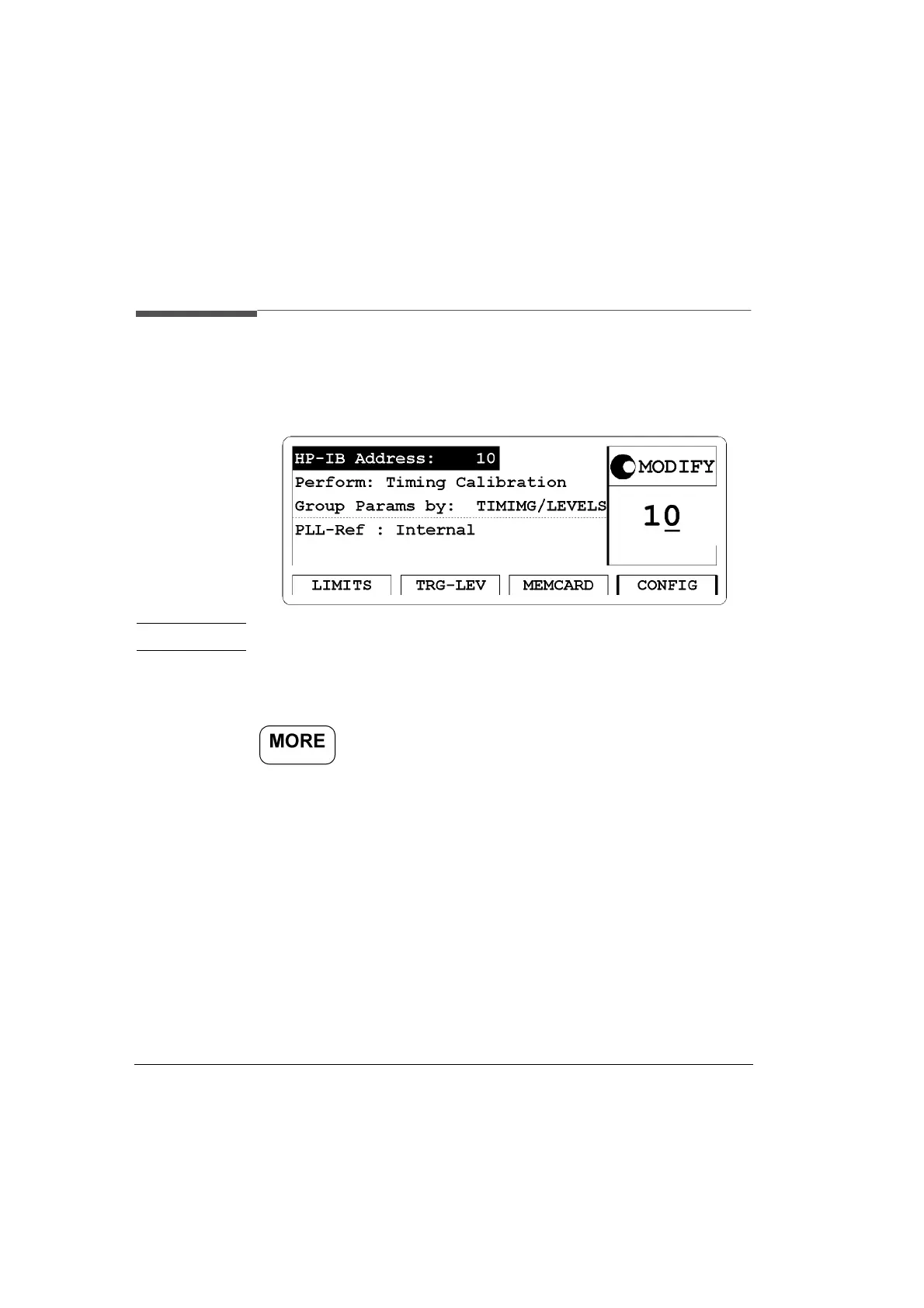
Figure 19 CONFIG Screen
NOTE: Timing Calibration is available with the HP 81110A only.
Access the Configuration (CONFIG) menu screen by pressing the
softkey then pressing the
|CONFIG| softkey.
In this screen you can vary the HP-IB address when the instrument is
used in remote control operation The factory set HP-IB address is 10. It
is possible to invoke a selftest.
With the HP 81110A the timing self calibration feature can be started in
this window - Perform: Timing Calibration. Apart from the factory
calibration of the instruments, the timing self calibration allows to
calibrate the instrument in respect to the actual ambient temperature.
When the HP 81110A is switched off and on again, the factory
calibration data are valid again.
You can select the parameter grouping from either TIMING and
LEVELS or OUTPUT 1 and OUTPUT 2. You can also define what the



 To Next Page