40 Introduction HP 81110/04A Quick Start
Introduction
Quick Access of Menus and Parameters
Quick Access of Menus and Parameters
Additional Functions
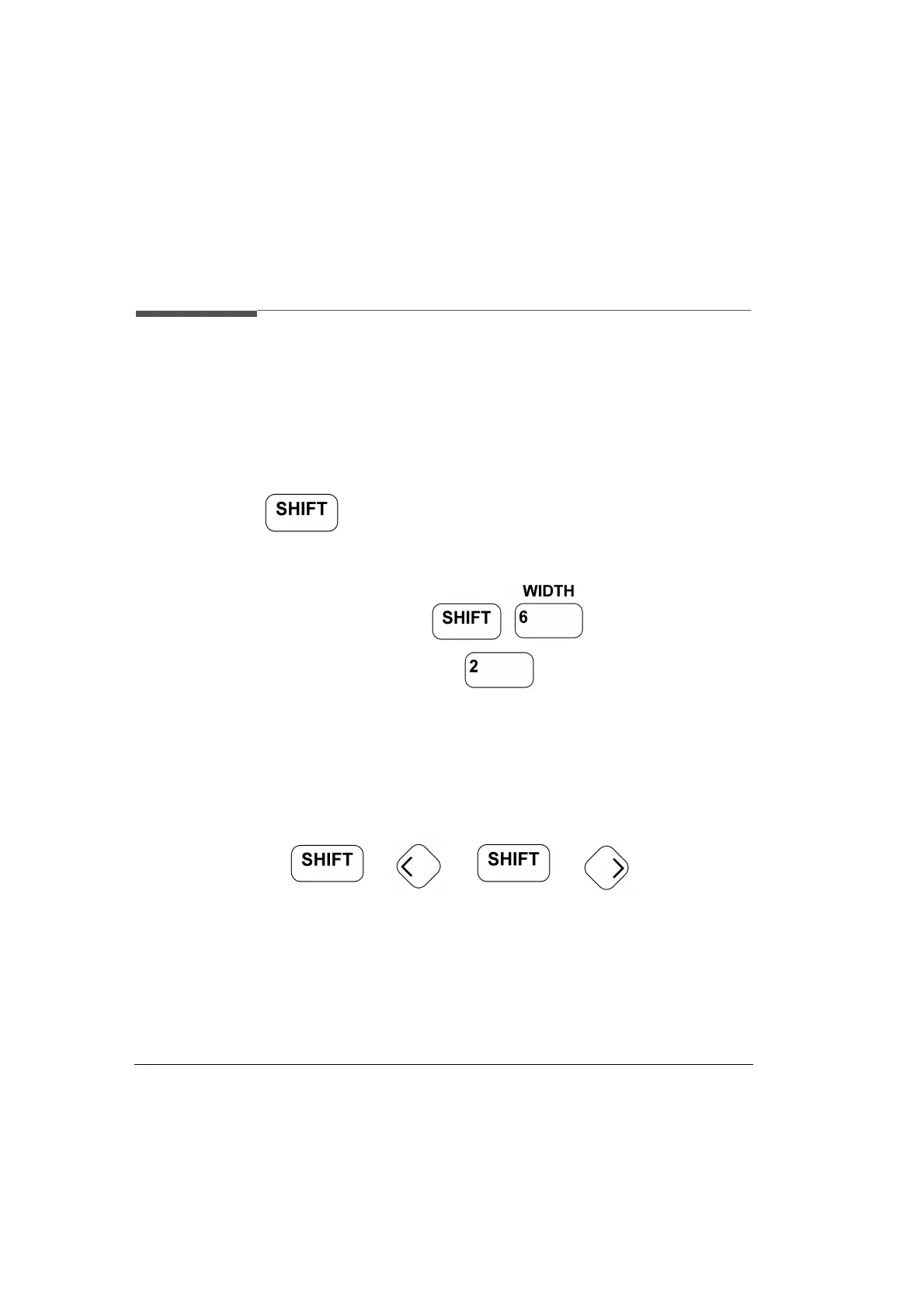
Most keys of the front panel have an additional function. The
key provides fast access to additional functions of the Data
Entry keys and the Special Function keys.
For example, it is possible to quickly access the pulse width parameter
of output 2 by pressing , the instrument then
asks for the channel, so press (if two channels are installed).
The entry field is positioned on the output 2 width parameter editing
field.
Select Step Size
The + or + moves the cur-
sor to a different digit in the MODIFY area, so it is possible to change
step size for parameter change, then vary the value either with the up/
down cursor keys or the knob.



 To Next Page