HP 81110/04A Quick Start Introduction 49
Introduction
Setting Timing Parameter Formats and Values
Setting Timing Parameter Formats and
Values
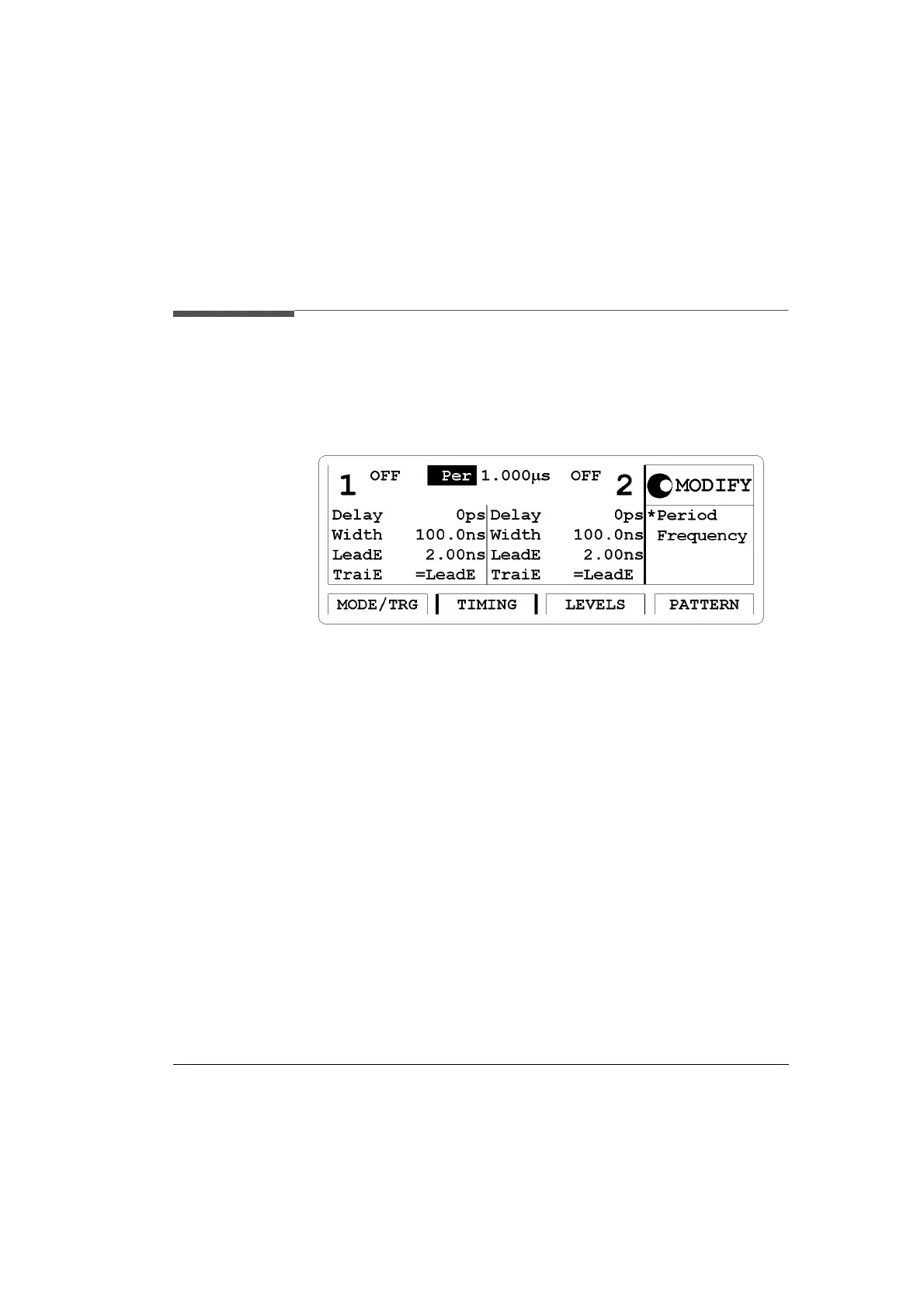
Figure 13 TIMING Screen
Access the timing entry (TIMING) menu screen by pressing the
|TIMING| softkey.
In this screen you can set the timing parameters individually for both
channels. This is except for period/frequency, which defines the system
clock rate for both channels.
All parameters can be entered in different parameter formats, please
select from:
1 The System Clock Mode -
Period, Frequency.
2 Delay Parameter -
Absolute, % of Per, Phase
3 Width Parameter - Width, DutyCycle, Trail Del
4 Leading Edge Parameter - Absolute,% of Wid



 To Next Page