HP 81110/04A Quick Start Introduction 51
Introduction
Setting Level Parameter Formats and Values
Setting Level Parameter Formats and
Values
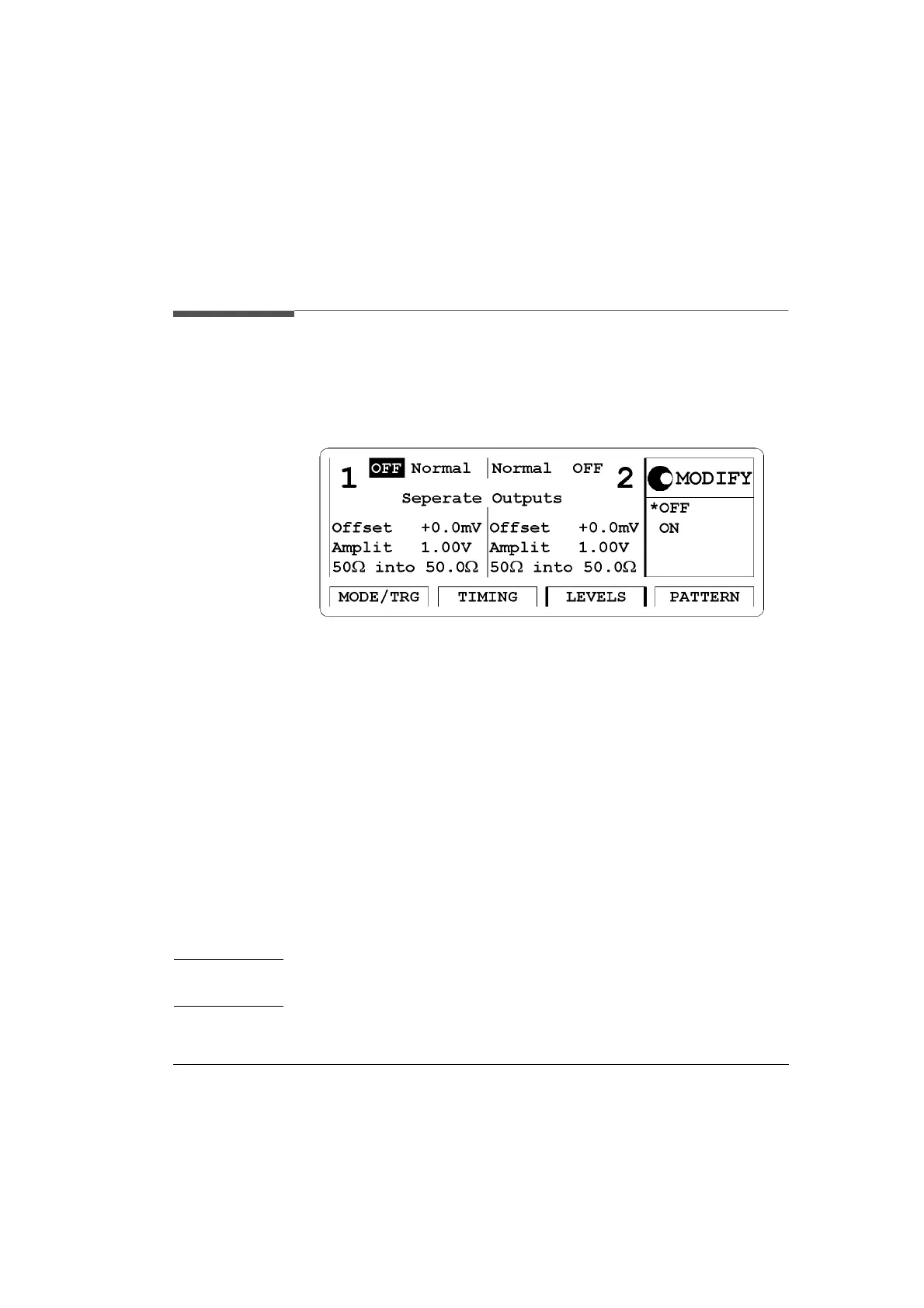
Figure 14 LEVELS Screen
Access the level entry (LEVELS) menu screen by pressing the
|LEVELS| softkey.
In this screen you can set the level values individually for both channels.
As with the TIMING screen you can enable or disable the outputs. All
parameters can be entered in different parameter formats, e.g. it is possi-
ble to enter the levels as current values by changing the unit to ampere.
Please select from:
1 Channel OUTPUT Status -
ON, OFF
Can also be varied in the |TIMING| screen.
2 Differential Output Status -
ON, OFF
Can also be varied in the |TIMING| screen.
NOTE: Differential Outputs are available with HP 81110A with
HP 81112A, 3.8V/330 MHz Output channels installed.
3 OUTPUT Mode -
Normal, Complmnt



 To Next Page