10
Firmware versions
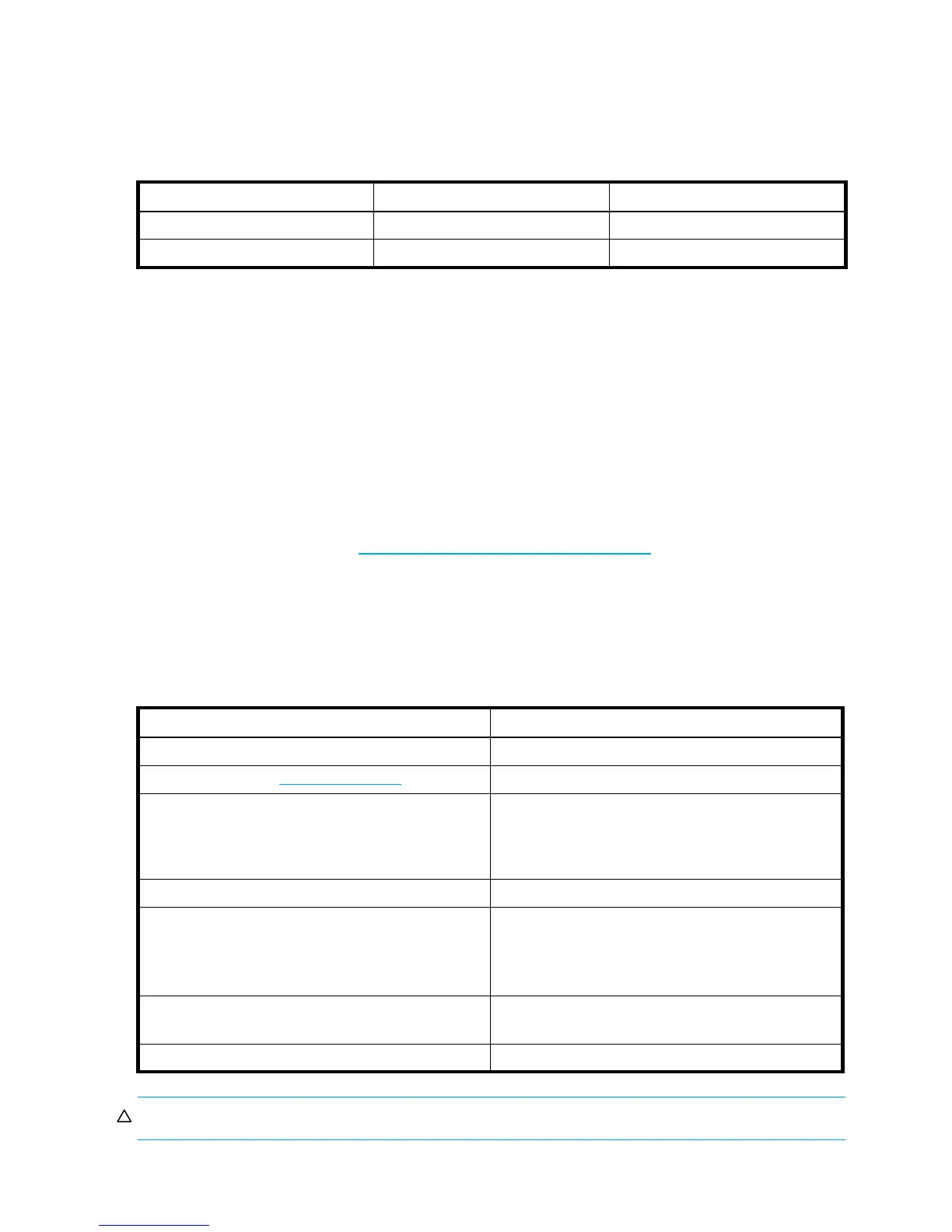
The recommended firmware versions shown in Table 1 provide the optimal level of support for the features
provided with this product. Older firmware versions can be used; however, product features enabled with
newer firmware will not appear.
Related documentation
In addition to this guide, please refer to other documents for this product:
• HP StorageWorks XP Remote Web Console user guide for XP12000/XP10000
• HP StorageWorks Auto LUN XP user guide for the XP12000/XP10000
• HP StorageWorks Business Copy XP user guide for the XP12000/XP10000
• HP StorageWorks Cache LUN XP user guide for XP12000/XP10000
• HP StorageWorks Continuous Access XP Journal user guide
• HP StorageWorks Continuous Access XP user guide for the XP12000/XP10000
• HP StorageWorks Flex Copy XP user guide
• HP StorageWorks LUN Configuration and Security Manager XP user guide for the XP12000/XP10000
You can find these documents at http://www.hp.com/support/rwc/manuals
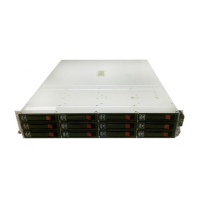
• HP StorageWorks Modular SAN Array QuickSpecs
• HP StorageWorks Modular SAN Array User Guide
• ACU Online User Guide
Document conventions and symbols
CAUTION: Indicates that failure to follow directions could result in damage to equipment or data.
Table 1 Recommended and minimum firmware versions
XP disk array Minimum Recommended
XP12000 50-05-46-00/00 or later 50-06-xx-00/00 or later
XP10000 50-05-46-00/00 or later 50-06-xx-00/00 or later
Table 2 Document conventions
Convention Element
Blue text: Table 1 Cross-reference links and e-mail addresses
Blue, underlined text: (http://www.hp.com
) Web site addresses
Bold text • Keys that are pressed
• Text typed into a GUI element, such as a box
• GUI elements that are clicked or selected, such as
menu and list items, buttons, and check boxes
Italic text Text emphasis
Monospace text • File and directory names
• System output
• Code
• Commands, their arguments, and argument values
Monospace, italic text • Code variables
• Command variables
Monospace, bold text Emphasized monospace text





 To Next Page