The capacity test automatically stops in any of the following cases:
● The minimum cell voltage reaches 2.65 V.
● The load
uctuation exceeds 10%.
● A fault alarm is generated.
The test is complete when the minimum cell voltage reaches 2.65 V. Data about the most
amount of energy discharged is stored once a month for 36 months.
----End
4.6.3 Test Data Download
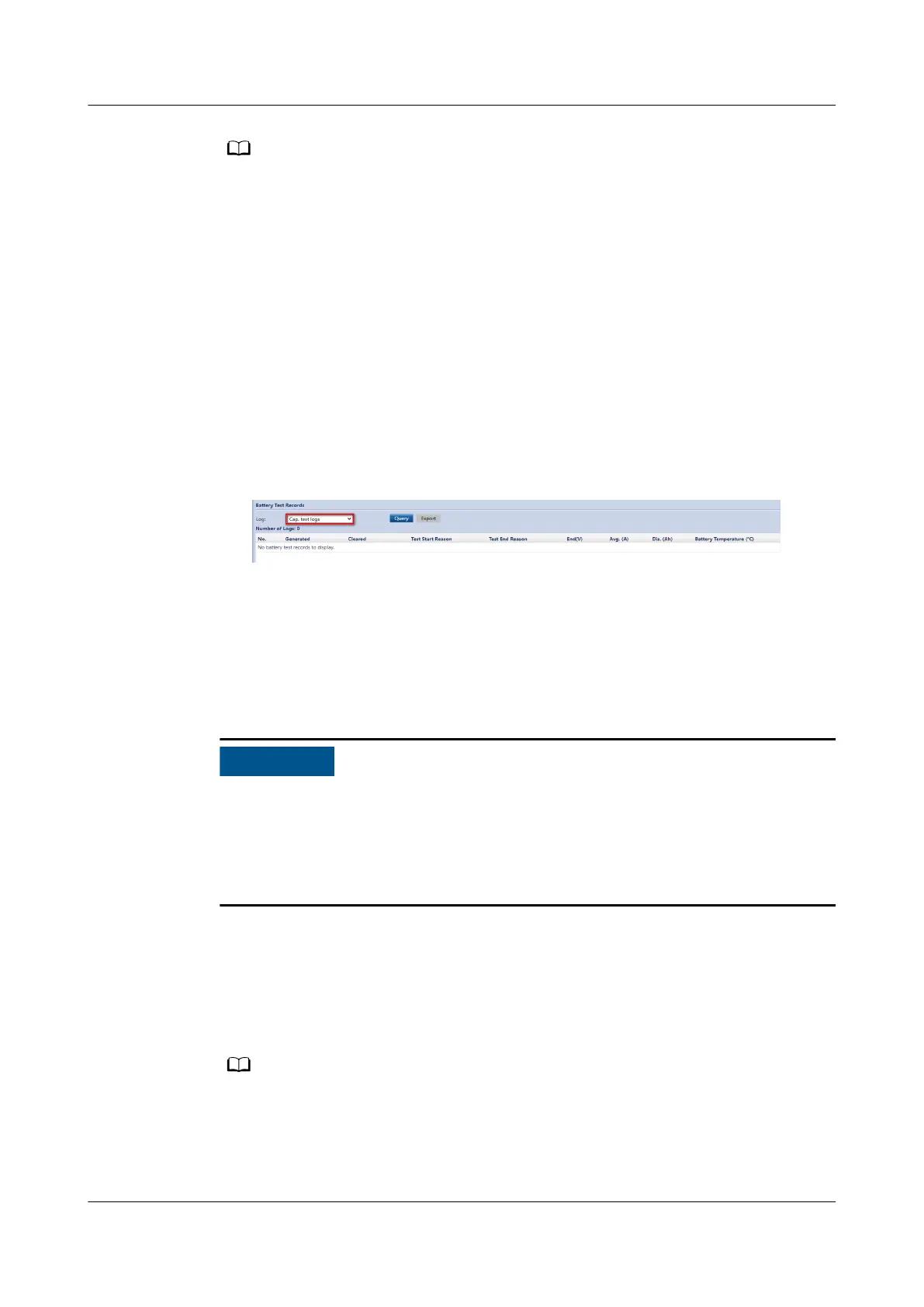
1. On the WebUI, choose Query > Battery Test Records, choose logs that need
to be queried from the Log drop-down list box, and click Query.
Figure 4-13 Battery Test Records
2. Select the queried logs and click Export.
4.7 Transferring to Maintenance Bypass Mode
Context
● Strictly observe the following procedure to transfer the UPS to maintenance
bypass mode. Otherwise, loads may power o.
● In maintenance bypass mode, the mains supplies power to the loads directly
over the maintenance bypass. If the mains is not normal, the loads may power
o.
Procedure
Step 1 Manually transfer the UPS to bypass mode.
Step 2 Turn on the maintenance bypass switch. Then the UPS transfers to maintenance
bypass mode.
The maintenance bypass switch in the gures below is for reference only. Perform
operations based on the actual situation.
The Maint. breaker closed alarm is displayed in the alarm list, as shown in Figure
4-15.
UPS5000-E-(30 kVA–120 kVA)-FM
User Manual 4 Operations
Issue 03 (2022-01-30) Copyright © Huawei Technologies Co., Ltd. 104


 To Next Page