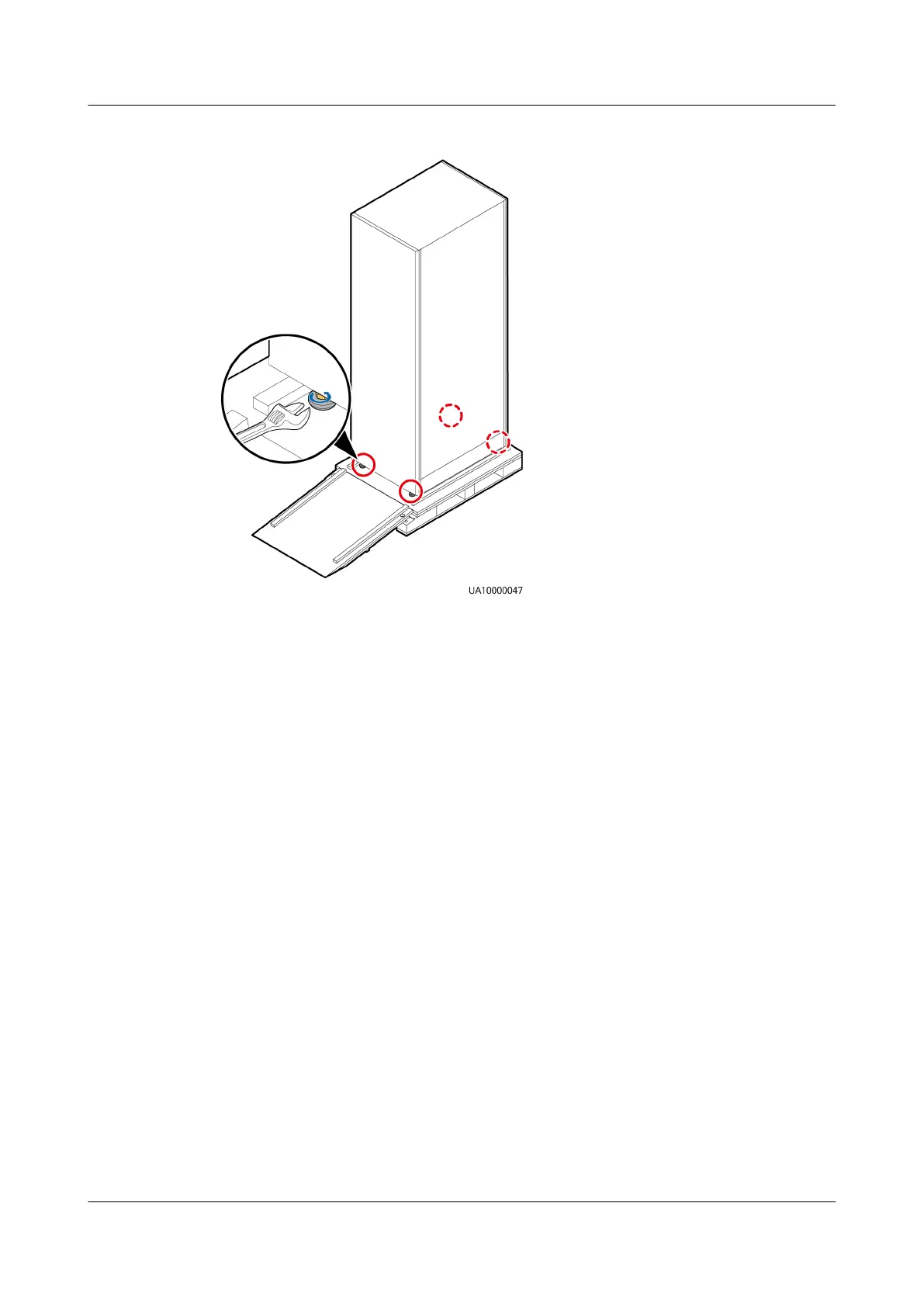
Figure 3-7 Raising the leveling feet
Step 9 Move the UPS over its castors to the installation position.
----End
3.3 Installing a Single UPS
3.3.1 Installing a UPS Cabinet
Secured Installation
Step 1 Determine the cabinet installation position. Draw mounting holes in the
installation position according to the drawing.
UPS5000-E-(30 kVA–120 kVA)-FM
User Manual 3 Installation
Issue 03 (2022-01-30) Copyright © Huawei Technologies Co., Ltd. 55


 To Next Page