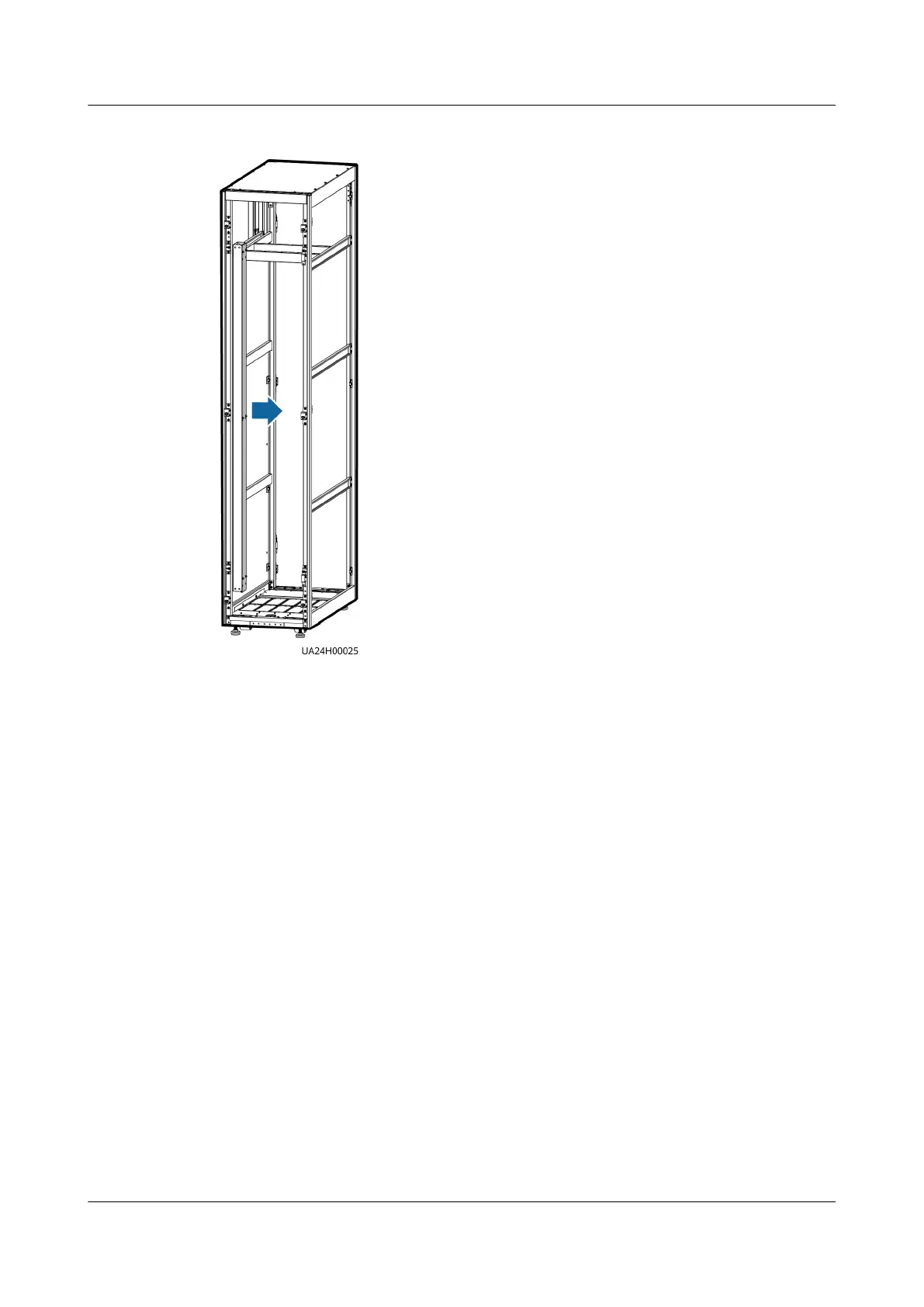
Figure 3-37 Removing the cable trough cover
Step 13 Connect the signal cable. (Route the signal cable out of the UPS cabinet through
the cable hole on the top, and then into the cable entry cabinet through the cable
hole on the top of that cabinet.)
UPS5000-E-(30 kVA–120 kVA)-FM
User Manual 3 Installation
Issue 03 (2022-01-30) Copyright © Huawei Technologies Co., Ltd. 76


 To Next Page