59
scenarios. You can select different three-band equalization modes when the radio outputs audio through a
speaker or an audio accessory.
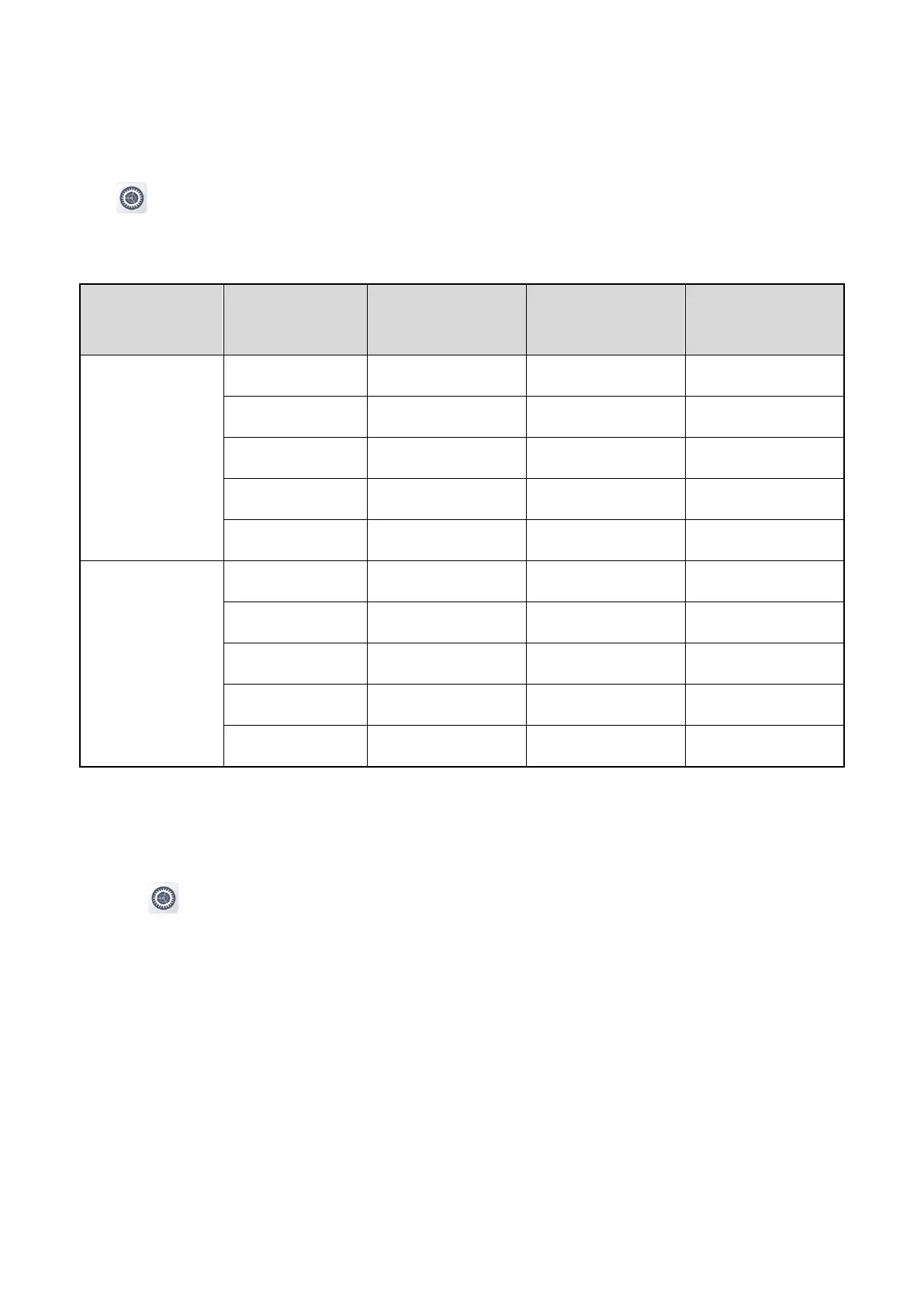
Tap , tap Sounds under the Device pane, and then tap Three-band equalizer. You can select the
equalization mode. The parameters of each mode are described in the following table. If Custom is selected,
you need to manually set the listed parameters.
External
Treble Boost 0 0 8
Square 0 3 3
Downtown 1 3.5 7
Indoor 3.5 1.5 –1.5
Custom –10 to 10 –10 to 10 –10 to 10
Earphone
Treble Boost –2 0 8
Square –1.5 4 4
Downtown –2.5 2 8
Indoor 1.5 3 –2.5
Custom –10 to 10 –10 to 10 –10 to 10
7.2.4 Vocoder
If the radio supports both AMBE and NVOC vocoders, you can switch the vocoder.
1.
Tap .
2.
Under the Device pane, tap Sounds.
3.
Tap Vocoder.
4.
Select the vocoder type.
The radio automatically restarts to make the settings take effect.
7.2.5 Audio Mode
The radio selects different audio mode depending on the audio accessory.



 To Next Page