11
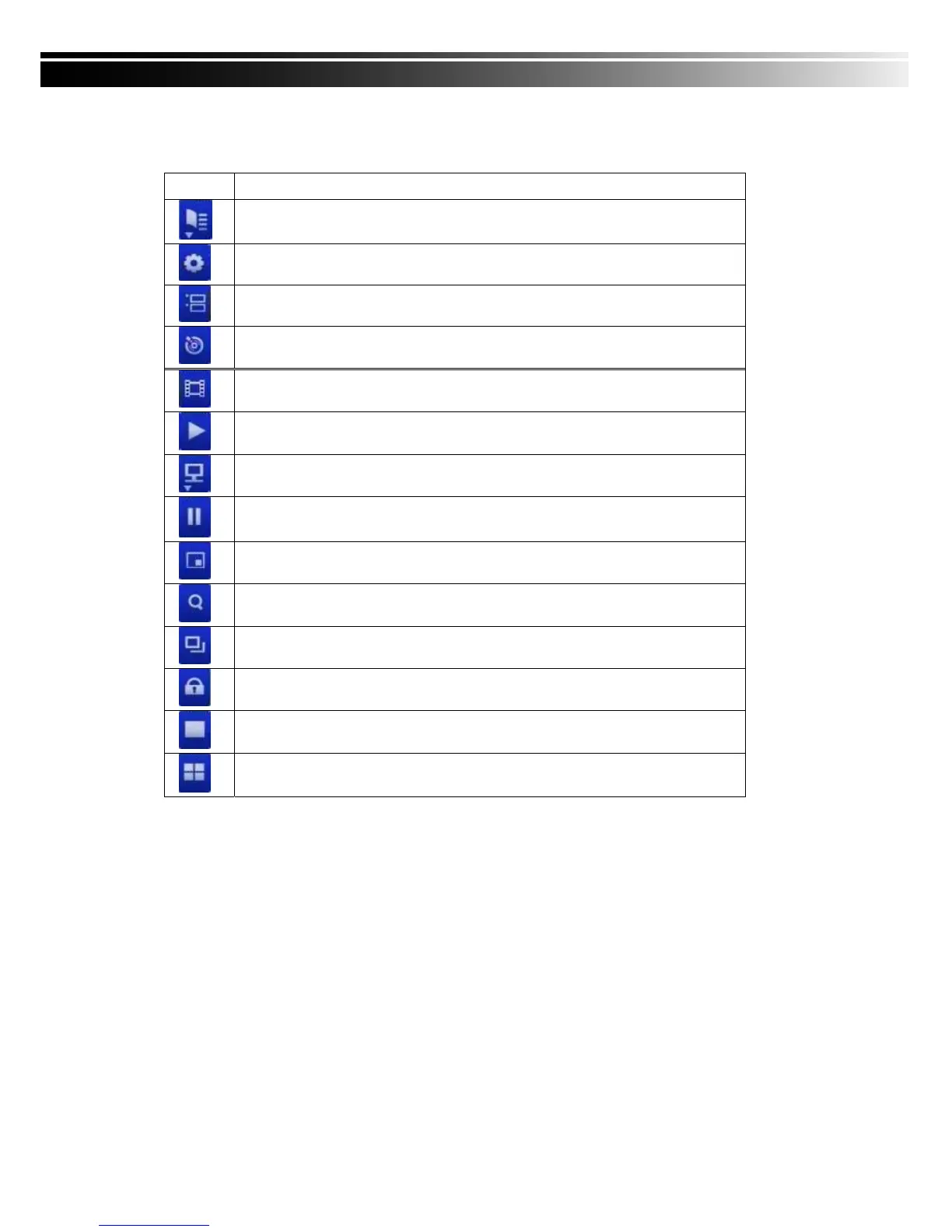
Table 3-1.2 Graphical icons that will display after right-clicking your mouse under LIVE mode.
Icon Description
Resting the cursor on this icon will bring up the following three menu icons.
Main menu.
Search menu.
Backup menu.
Turn on/off recording.
Playback.
Resting the cursor on this icon will bring up the following five display icons.
FREEZE.
PIP, picture in picture
ZOOM, double the screen size
AUTO-sequence
LOCK, activate the key lock.
Full screen display.
Quad display.



 To Next Page