iCR 3600
TM
– Service Manual
17.
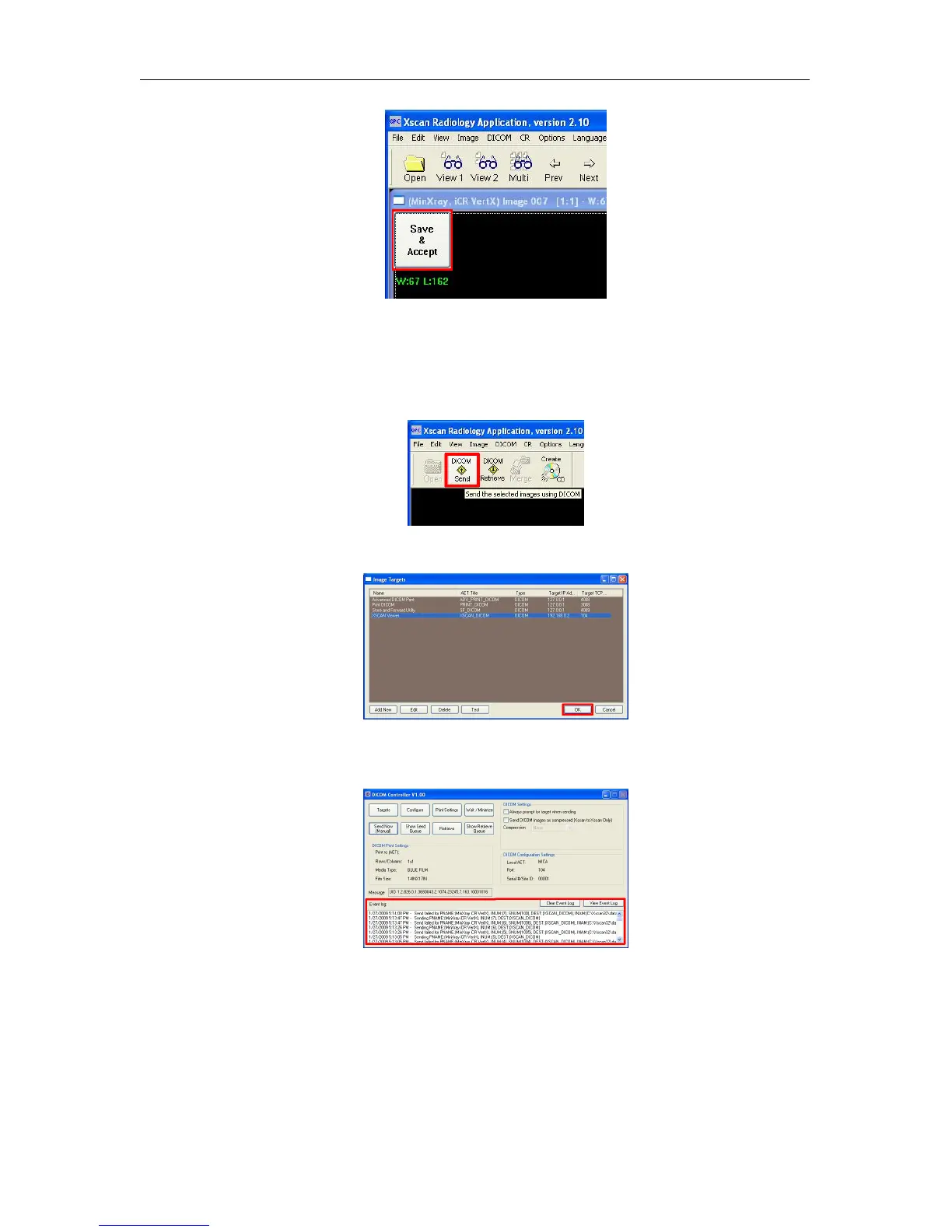
Return to the Patient Information window. Select the patient(s) to send to a PACS or
viewing station. If you wish to send more than one patient, hold the Ctrl key down
and left mouse click to select multiple patients.
18. After selecting the patient(s), click the DICOM Send button.
19. The DICOM Targets window will appear, choose the desired target, then click OK
20.
The results of the DICOM Send will appear in the DICOM Controller window’s Event
log.
c
2007-2009
Confidential and Proprietary
Property of iCRco, Inc.
19 of 61 Document # 3600-02A Rev C
March 22, 2010



 To Next Page