iCR 3600
TM
– Service Manual
13.
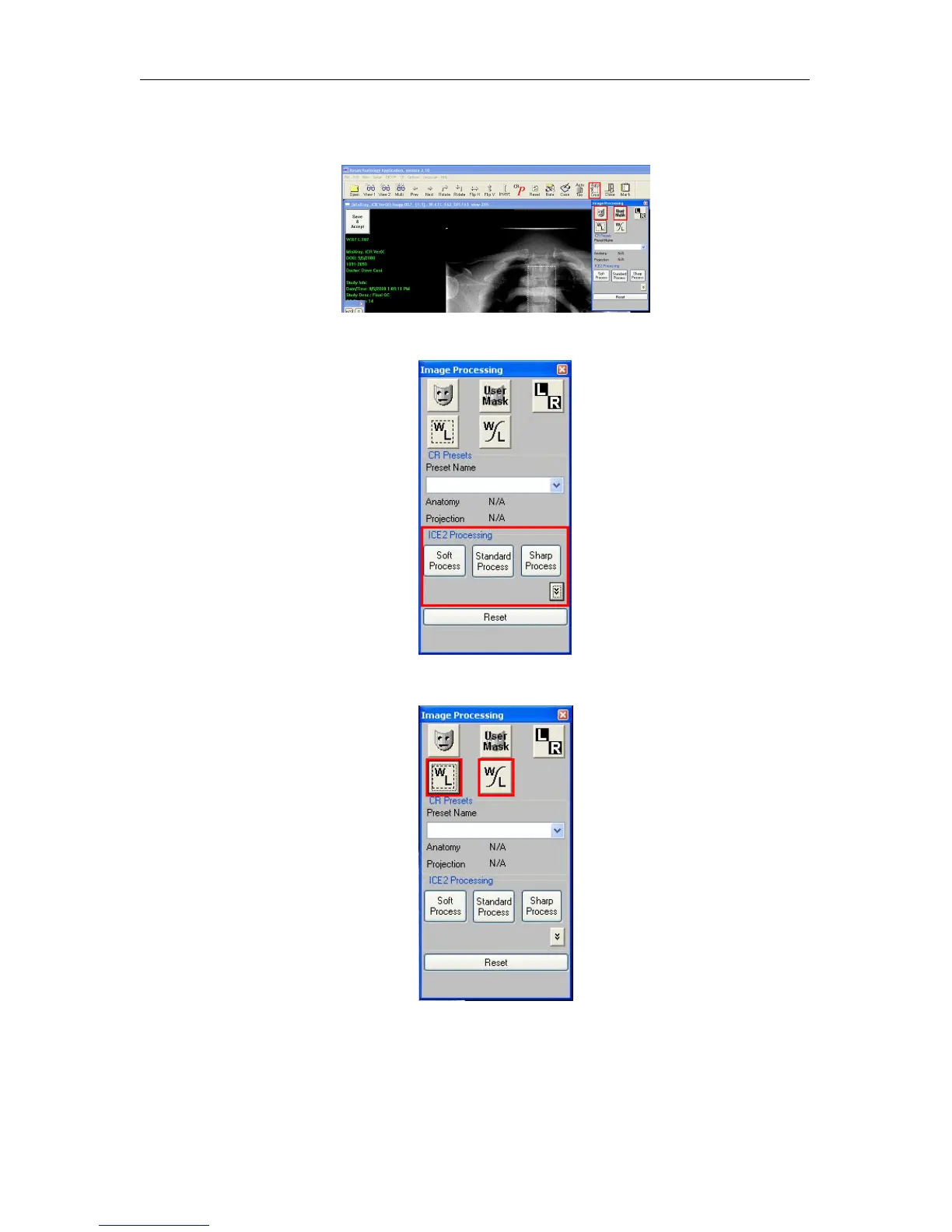
Remove any collimation by using the Auto Crop(located in the main toolbar), Mask,
or User Mask (located in the Image Processing dialog) functions.
14. Process using ICE or ICE2 (located in the Image Processing dialog).
15. Window/Level the image using the Window/Level or Smart Box tools.
16.
Accept and Save the image to save the processing and W/L settings by clicking the
Save and Accept button in the upper left hand corner of the image.
c
2007-2009
Confidential and Proprietary
Property of iCRco, Inc.
18 of 61 Document # 3600-02A Rev C
March 22, 2010



 To Next Page