32 PRT-KLCD Protege Alphanumeric LCD Keypad User Manual | April 2011
Use the up [] key to increment the user number until UN00010 is displayed or enter the user number using the
numerical keys.
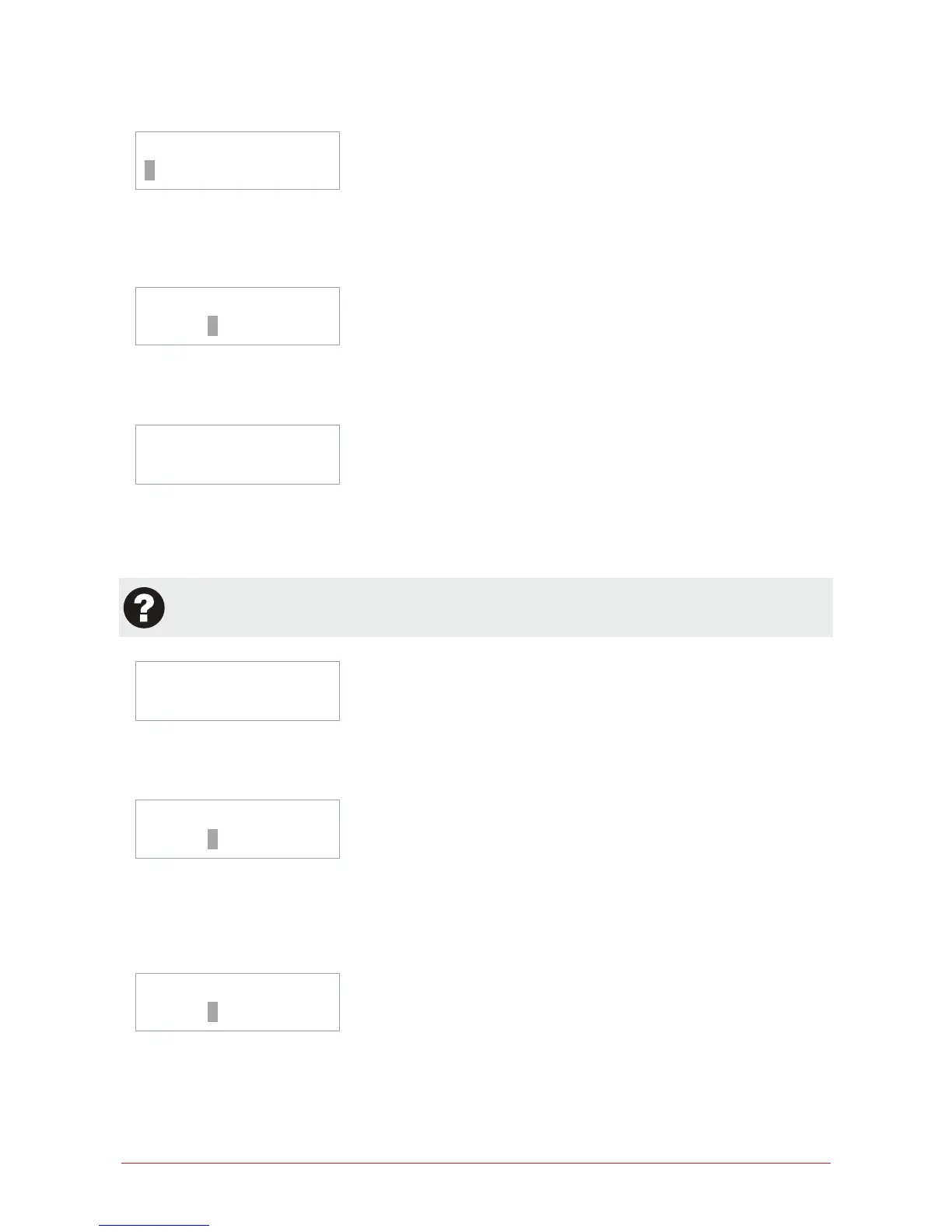
UN00010 Name
*User 00010
Press the [ENTER] key and the display will show the user display name. The cursor will be positioned at the start
of the text entry. To modify the name use the numerical keys. Press the [ENTER] enter to save the name and
move to the next programming screen. Press the [DISARM] key to clear the name or to recall the current name
press the [ARM] key.
UN00010 User
code: _
Enter the user code using the numerical keys on the keypad. All users that are required to access a keypad or
use a user code for access control must have a user code assigned. To clear a user code press the [DISARM]
key. Press the [ENTER] key to move to the next programming screen and save the user code.
UN00010 AccessÎ
None
The display will show the access level programming. An access level defines what the user is able to access
within the system and contains the menu, area, floor, elevator and door groups that can be assigned. By default
this is set to None. Use the [] and [] keys to scroll the records. The arrow Î on the top line indicates it is a
scroll selection entry screen.
The programming options that follow require an advanced knowledge of the Protege System and may
not be available, consult the configuration section or contact your security professional.
UN00010 Area Î
None
The display will show the users area programming screen. A user area is ideal for the control of an area within an
office for the alarm, HVAC and lighting. By default this is set to None and should only be set if advised by your
security professional or system administrator.
UN00010 Expiry
date: --/--/----
The display will show the users expiry date programming screen. A users expiry date when programmed will
allow the user access to the system up to and on the expiry date programmed in conjunction with the time. An
example if the expiry date is 14/5/2004 and the expiry time is 13:45, the user will not have access past this time
and date. Use the numerical keys to enter a date. To clear the date entry press the [DISARM] key. A setting of
--/--/---- will mean no expiry date/time checking will be performed.
UN00010 Expiry
time: --:--



 To Next Page