PRT-KLCD Protege Alphanumeric LCD Keypad User Manual | April 2011 33
The display will show the users expiry time programming screen. Use the numerical keys to enter a time in 24HR
military format. To clear the time entry press the [DISARM] key. A setting of --:-- will mean no expiry time
checking will be performed.
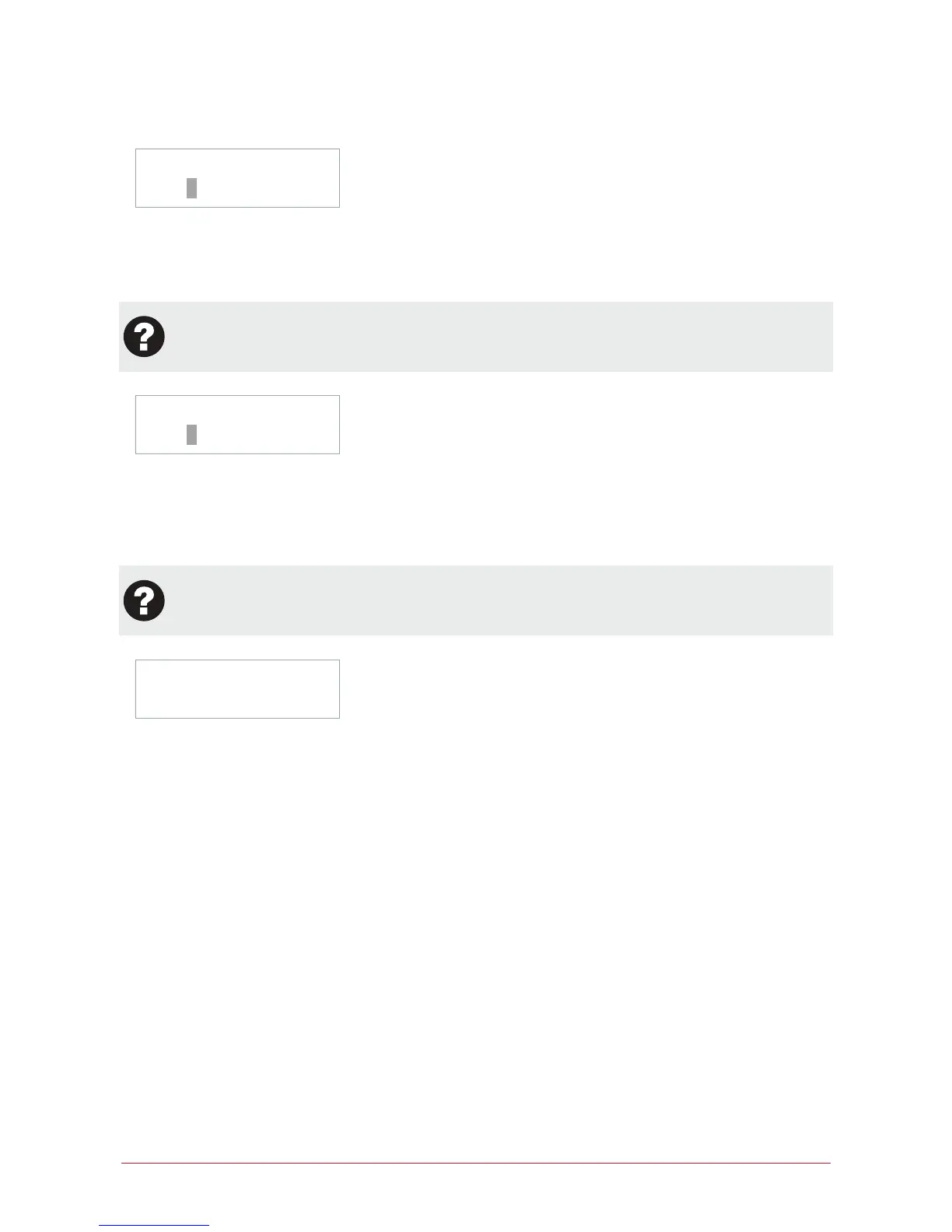
UN00010 Facility
id: 4294967295
The display will show the users card facility programming screen. Depending on the card facility and card
number type the screen may differ from shown. Use the numerical keys to enter the card facility code. To load a
users card from a reader press the [FORCE] key and present a card. To clear the entry press the [DISARM] key.
A setting of 4294967295 will mean no facility id is programmed.
The facility code of a users card is NOT normally printed on the card. The facility code is also referred to
as the family number, site code or issue id. Verify with your security professional if you are not sure of
the facility code for cards.
UN00010 Card
no: 4294967295
The display will show the users card number programming screen. Depending on the card facility and card
number type the screen may differ from shown. Use the numerical keys to enter the card number code. A card
number is typically printed on the card device. To clear the card number press the [DISARM] key. A setting of
4294967295 will mean no card number is programmed. The card number and facility code MUST be prefixed
with leading zeros if less than the digits displayed.
To automatically load a large number of users cards enter 'autoload' card entry mode. To program
large numbers of users or import an existing user table from an excel or CSV file ask your security
professional about the Protege System Management Suite.
UN00010 Misc
[********]
The display will show the users miscellaneous options programming screen. An option can be toggled on and off
by using the numerical keys [1] to [8]. To view the options in text entry mode press the [STAY] key.
(1) Show User Greeting At Logon
The user will be shown a greeting message when they logon to the LCD keypad.
(2) Go Direct To Menu Display On Logon
Normally a user will be shown the area status screen for the primary area assigned to the keypad. Enabling this
option will take the user to the main menu. Set this option for users that have no area control functions.
(3) User Can Acknowledge Memory
User is able to press the [ENTER] key to acknowledge memory.



 To Next Page